








Access Management - Where to start?
As an organization, you want to optimize employee productivity. A critical prerequisite is efficient access to the right applications and data. At the same time, you want to ensure that unauthorized access to your sensitive systems and data is adequately prevented. HelloID Access Management supports you in this and removes much of the workload. In this article, we help you get started with this module, outline the capabilities, and highlight several considerations you can make.
What is HelloID Access Management?
HelloID Access Management is a cloud-based module that is part of the identity and access management (IAM) solution HelloID from Tools4ever. The module ensures that employees receive simple, fast, and user-friendly access to the applications they need.
Employees often work across a broad range of applications, which introduces complexity. Each application requires unique credentials for security, which means users quickly need to remember dozens of logins. In practice, this creates several challenges. Employees may choose weaker passwords than desired to keep up with password maintenance. They may also forget passwords, which adds extra load for the service desk.
HelloID Access Management provides a solution. With this module, users only need to sign in once, after which HelloID grants access to all required applications through a user-friendly dashboard. You can be confident that access to applications and systems is properly secured while reducing the service desk burden.
Getting started with HelloID Access Management
Do you want to get started with HelloID Access Management? This requires some preparation, and our experts are happy to support you. To correctly configure access to applications, HelloID Access Management needs access to your source data. Identify which source system or systems store your user data. Consider Microsoft Active Directory or Entra ID, as well as Google Workspace.
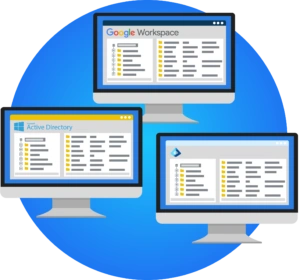
You may also use HelloID Provisioning, a cloud-based solution that fully automates user account management. HelloID Provisioning links your HR system to user accounts in the network. This fully automates the joiner, mover, and leaver process. As a result, you can be certain that account data and user permissions are always up to date. HelloID Access Management integrates seamlessly with HelloID Provisioning.
How do you want users to sign in?
After you determine which source system stores your user data, you can decide how you want users to sign in. You can choose just-in-time provisioning. With this approach, users receive access to resources and applications only when they actually need it. This can be highly relevant if you frequently work with contingent workers or temporary staff.
You are in control. You can offer a single sign-in method, or support multiple options. You can also combine a source system such as Active Directory with the local HelloID login. This is especially useful if you do not want to include external employees or temporary workers in your source system. In that case, just-in-time provisioning is not possible.
Which applications do you want to connect?
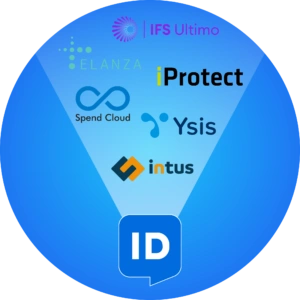
Another important question to answer when getting started with HelloID Access Management is which applications you want to expose through Single Sign-On (SSO). Consider applications such as Spend Cloud, Intus InPlanning, iProtect, Ysis, IFS Ultimo, and Elanza.
To connect with an application, it must be SSO-ready. Does the application support SAML, OpenID Connect, or WS-Federation? In consultation with the application vendor, we implement the integration with the application and test that integration.
If an application is not suitable for SSO, that does not necessarily mean an integration is not possible. In many cases, we consult the vendor to still establish a connection between HelloID and the application. If the vendor cannot or will not support any SSO protocol, then using a plug-in application can be a solution. Several prerequisites apply. For example, you must roll out the plug-in to all workstations to facilitate the integration.
Getting data and information in order
It is also important that the data in your applications is in order to establish a connection. An SSO integration always requires a so-called 'link key', which can be an email address or an employee number. This data must match between the applications to which you want to grant access and your source system. Verify this and adjust it if necessary.
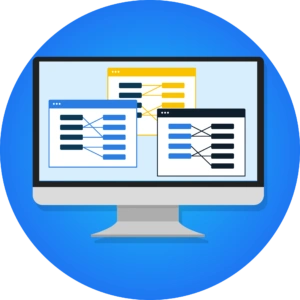
Some applications also expect additional information. This can include an employee number, date of birth, or additional name details. This information is not always available by default in a source system. It may therefore be necessary to extend the source with this data. In other cases, it is sufficient to ask users once to provide the required information.
Note: configuring and/or using an SSO-integration may incur additional monthly costs from the application vendor. These costs vary by application. Identify the costs in advance and contact the vendor if needed.
Multi-Factor Authentication
With SSO, users sign in only once, after which they gain access to all applications and data sources for which they are authorized. It is therefore crucial that SSO accounts are optimally secured. Multi-Factor Authentication (MFA) can elevate security to a higher level. In this case, users not only sign in with a username and password, but must always use a second factor as well. This can be an authentication application on a mobile phone, an SMS code, or a hardware token.
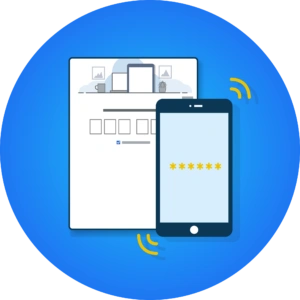
Decide whether you want to use MFA and which method best fits the user workflow or your organization’s requirements. HelloID Access Management provides extensive support for MFA methods, including FIDO, Push-to-Verify, SMS, and email. Integrations are also possible with Microsoft Authenticator and Google Authenticator. You can continue to support MFA methods and tokens that you already use.
Integrations
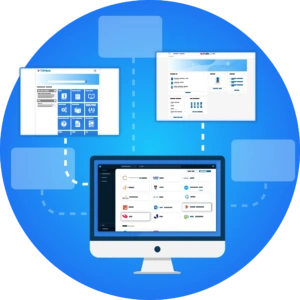
HelloID Access Management provides users with access to the applications they need through a user-friendly dashboard by default. You can also use your own environment. For example, if you work with an intranet or an IT management solution such as TOPdesk, AFAS, SharePoint, Embrace, triptic, or a&m impact, then you can integrate HelloID Access Management seamlessly with that system. In this case, users sign in to the intranet and gain access to their personal portal with all the information and communication tools they need. The HelloID widget gives them direct access to business applications from within the intranet. This integration provides employees with a user-friendly digital workplace that supports them on all fronts.
Get started
Do you want to get started with HelloID Access Management? More information is available here. Do you have questions or want to consult with our experts? Contact us.
The input also contains the following information:
Determine how users will sign in
Active Directory through the HelloID Agent
Microsoft Entra ID
Google Workspace
Another SAML Identity Provider (IDP)