NIM Self-Service Password Reset
With Self-Service Password Reset in NIM, users can reset their own password in case of issues or a lockout. This happens without IT involvement and without requiring additional admin rights. Thanks to configurable MFA and instant processing across multiple systems, a single change is applied everywhere right away.
Discover the Possibilities in a Demo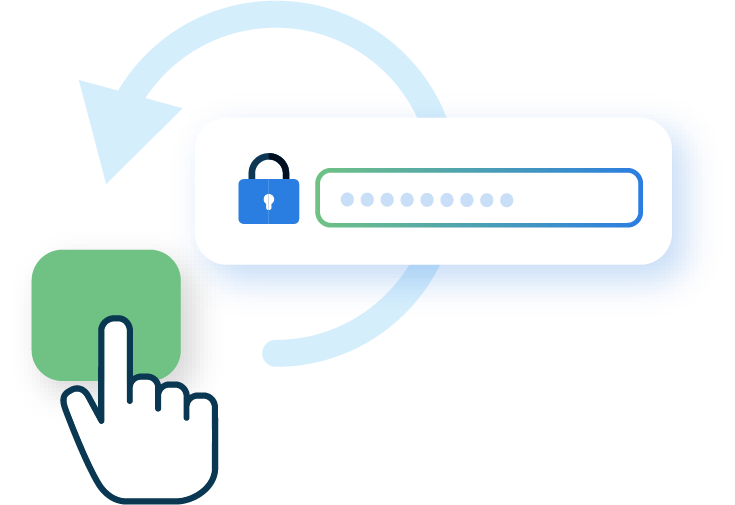
Why Choose Self-Service Password Reset?

Less Pressure on the Helpdesk
Users resolve password issues on their own, reducing the number of IT tickets.

Secure and Reliable
Identity verification through preset security questions and MFA, such as an SMS code or email verification.

Fast Access Restored
After verification, the new password is applied to all connected systems immediately.
How Does Self-Service Password Reset Work?

Verify Identity
The user starts the reset process through a form and answers preset security questions.
MFA Check
For added security, the user completes an MFA step, for example via SMS or email.

Reset Password
After successful verification, the user sets a new password.

Instantly Applied
The new password is automatically synchronized with all connected systems, so the user can continue working right away.