







Access Management: Integrating the dashboard into an existing intranet
The Access Management module of Tools4ever’s HelloID identity and access management (IAM) solution uses a convenient dashboard. This dashboard provides users with access to all the applications they need. In this article we explain how to integrate the HelloID dashboard into your intranet. This integration further improves usability for your users.
A single starting point
HelloID helps users gain easy, fast, and reliable access to applications and systems through Single Sign-On (SSO). With SSO, users only need to sign in once, after which they receive access to the resources they need. HelloID provides this access via a convenient dashboard, which users are directed to as soon as they sign in. With a single click, users then sign in to the application or system they want to use.

The IAM solution is often combined with an intranet. This combination offers users a single starting point that provides access to both relevant company information and applications and systems. The integration improves ease of use and clarity, and increases productivity.
HelloID as an identity provider
To integrate HelloID, configure the HelloID environment as the identity provider for your intranet. Users who sign in to your intranet will also authenticate directly with HelloID. They then gain access to both the intranet and the SSO capabilities that HelloID provides, without additional authentication screens.

Many applications use multi-factor authentication (MFA). In this case, users sign in not only with a username and password, but also a second factor such as a code delivered via text message or an app. With HelloID you can centralize this extra authentication layer as well. You can require users to authenticate with MFA as soon as they sign in to your intranet. Users no longer need to complete additional MFA prompts for individual applications. This not only improves the user experience, but also saves time and increases productivity.
Retrieving information via API
For the integration, HelloID uses an API. Through this API the intranet can retrieve the applications linked to a user, as well as any categories in which applications are grouped. The API also provides access to additional user information stored in the HelloID user object.
The way HelloID retrieves the required information can differ. The intranet can fetch this information as soon as a user signs in, which is also called just-in-time provisioning. It is also possible to synchronize user and application information at fixed intervals between HelloID and your intranet. Thanks to this synchronization you can display information in your intranet based on groups from HelloID. An important advantage of synchronization is that you do not have to wait until a new employee signs in for the first time. In addition, all data is automatically cleaned up at each synchronization, which is not standard with just-in-time provisioning. A key advantage of just-in-time provisioning is that the most current information is always retrieved, even if it has changed since the last synchronization.

It is also possible to use a combination of just-in-time provisioning and synchronization. In this case, for example, we synchronize all users, but always retrieve the current applications as soon as a user signs in. This ensures that a user who is assigned a new application has immediate access and does not need to wait for the next synchronization.
Note: not every vendor supports both synchronization and just-in-time provisioning. Depending on the software you use, you may be limited to the method the vendor supports.
Broad integration options
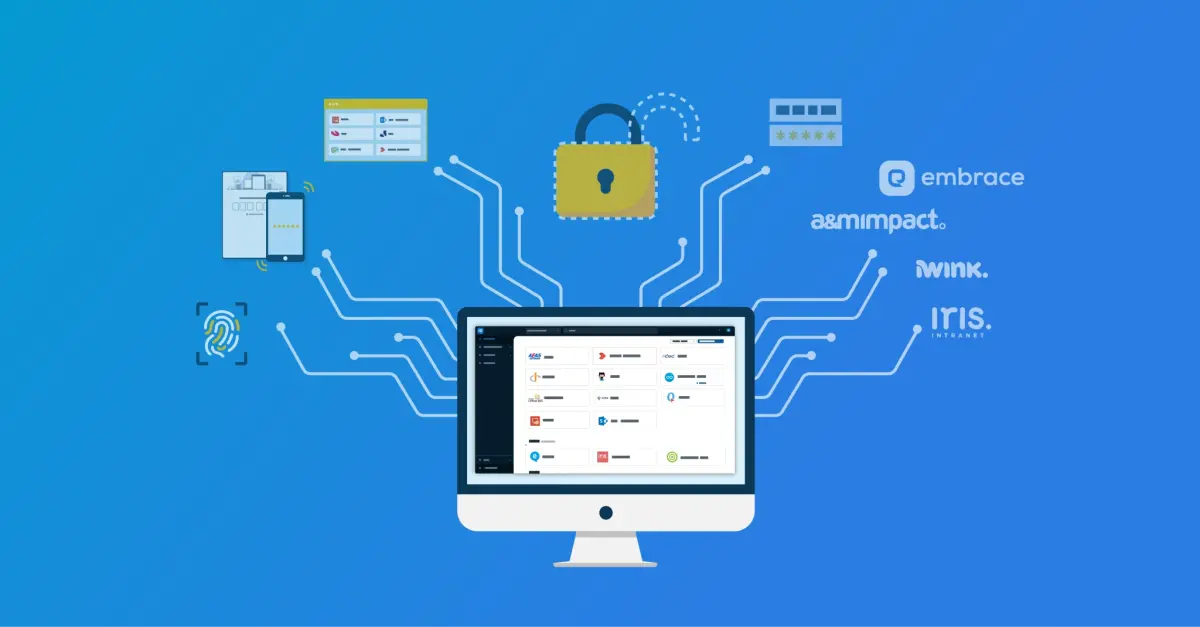
You can integrate the HelloID dashboard with a wide range of intranets. Examples include Iris Intranet, A&M Impact, embrace, and iWink. Are you using a different intranet and do you want to integrate it with HelloID? Contact us; we are happy to discuss the options with you.

Get started
Do you want to get started with HelloID Access Management? Learn more about the capabilities on our website. Do you have questions? Please contact us; our experts are ready to help you!