








Testing with a single person without impact on other accounts
Most HR systems provide a test environment. Your identity provider, such as Active Directory or Google Workspace, often does not. HelloID solves this and makes it possible to test a production scenario with a single person or account without any impact on other accounts. This blog explains the test method, available options, and key considerations.
Why is testing important?
HelloID plays a critical and indispensable role in your IT landscape. When you make a change in production, you want to test that change thoroughly. You need to be certain that it was implemented correctly and that it does not introduce unwanted side effects.

It is important that the tests you perform do not negatively affect your production environment. HelloID provides a user-friendly method that runs a test for only one person. This ensures you can test changes to your HelloID implementation without impact on other accounts.
How do you test in HelloID?
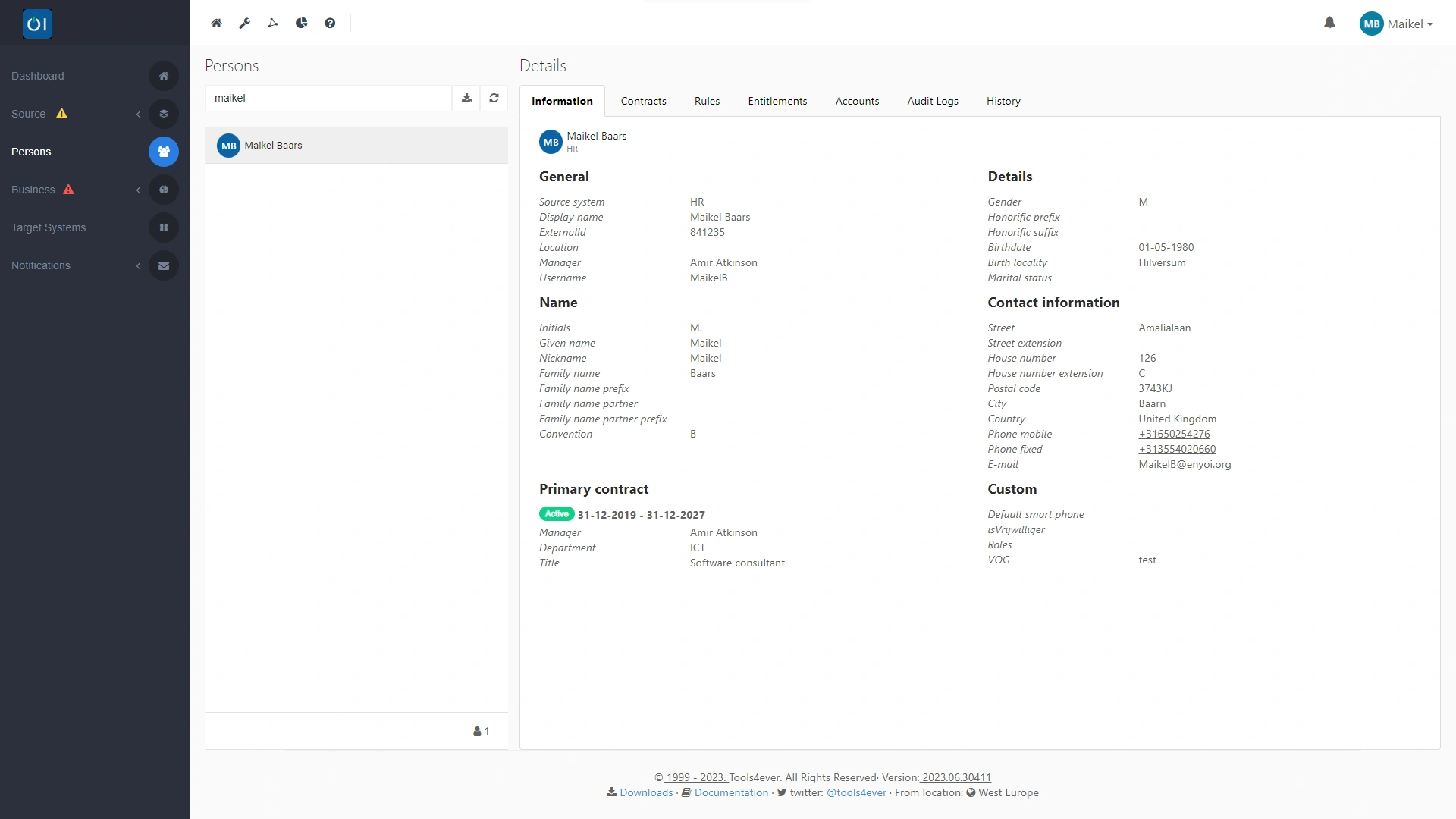
Running this type of test in HelloID is straightforward. In the IAM solution, locate a person who has no account linked. This can be someone who does not yet have an account and will join in the future, or a former employee who no longer has an account. You can verify the absence of this link by reviewing the person's correlations in HelloID, and in your identity provider as well.

If several candidates are available, select a person with a complex name for HelloID. For example, a compound last name that includes both the spouse and birth names. This will also validate the naming convention you use in HelloID. After selecting the person, look up that person's ExternalID, which you will need in the next step.
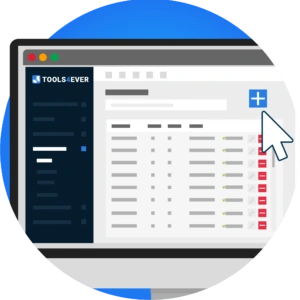
Create a business rule
Create a business rule for this specific person. Go to the 'Business Rules' tab and use the plus button to create a new business rule. Then, under 'Condition', specify that the person must be inactive. HelloID will automatically display on the right side of the dashboard the people who meet this condition.
Use the ExternalID to have HelloID select the intended person for the test. In Options, select 'Person attribute' and set 'Selected attribute' to Person.ExternalID. Then enter the ExternalID you looked up for the selected person. On the right side of the screen, you will see that the scope of the action is now limited to this single person.
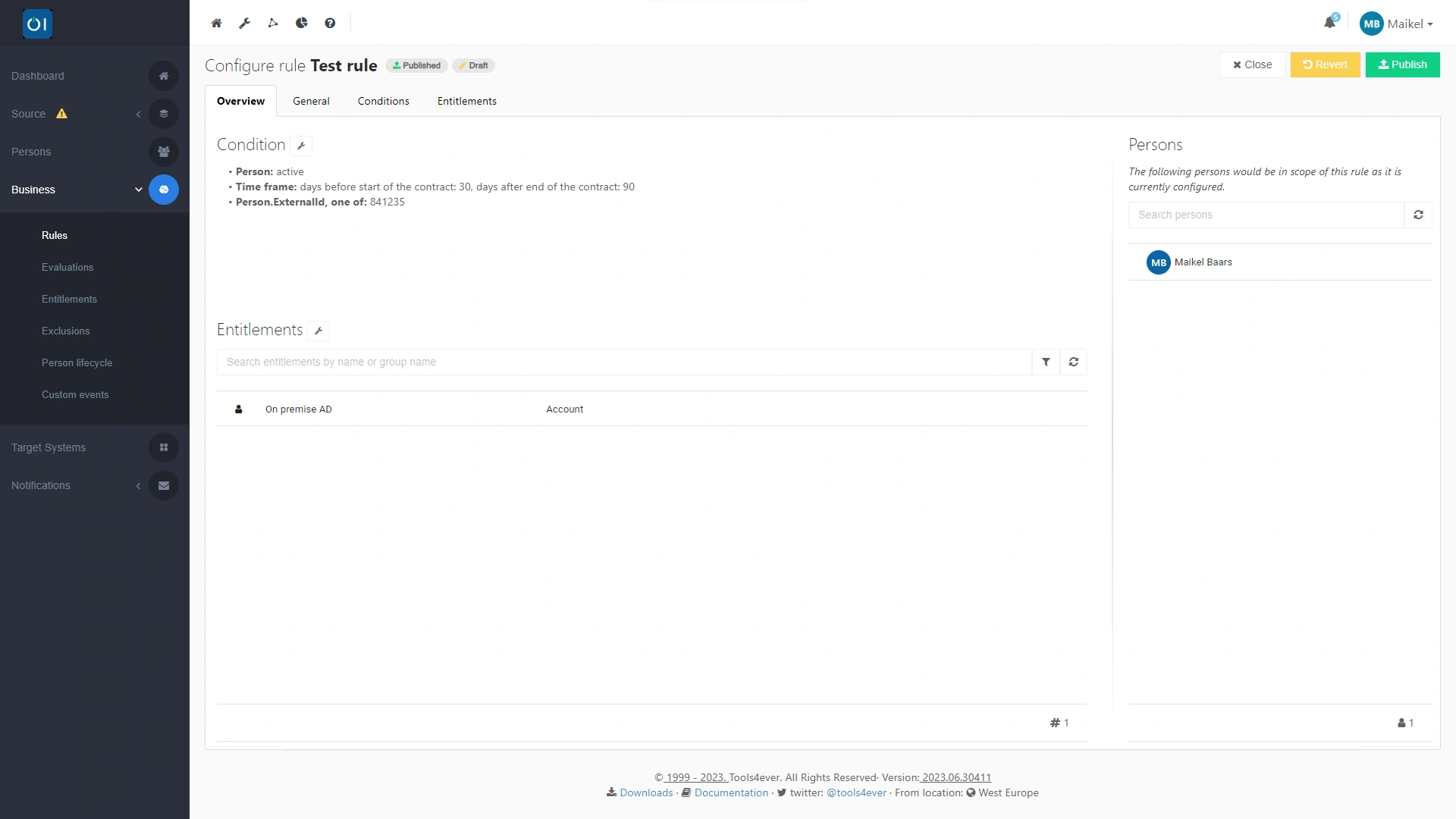
Under 'Entitlements', specify which actions you want to execute and test. After you define these, publish the business rule so you can run the test. If you now perform an evaluation and enforcement, HelloID will include this new business rule for testing purposes.
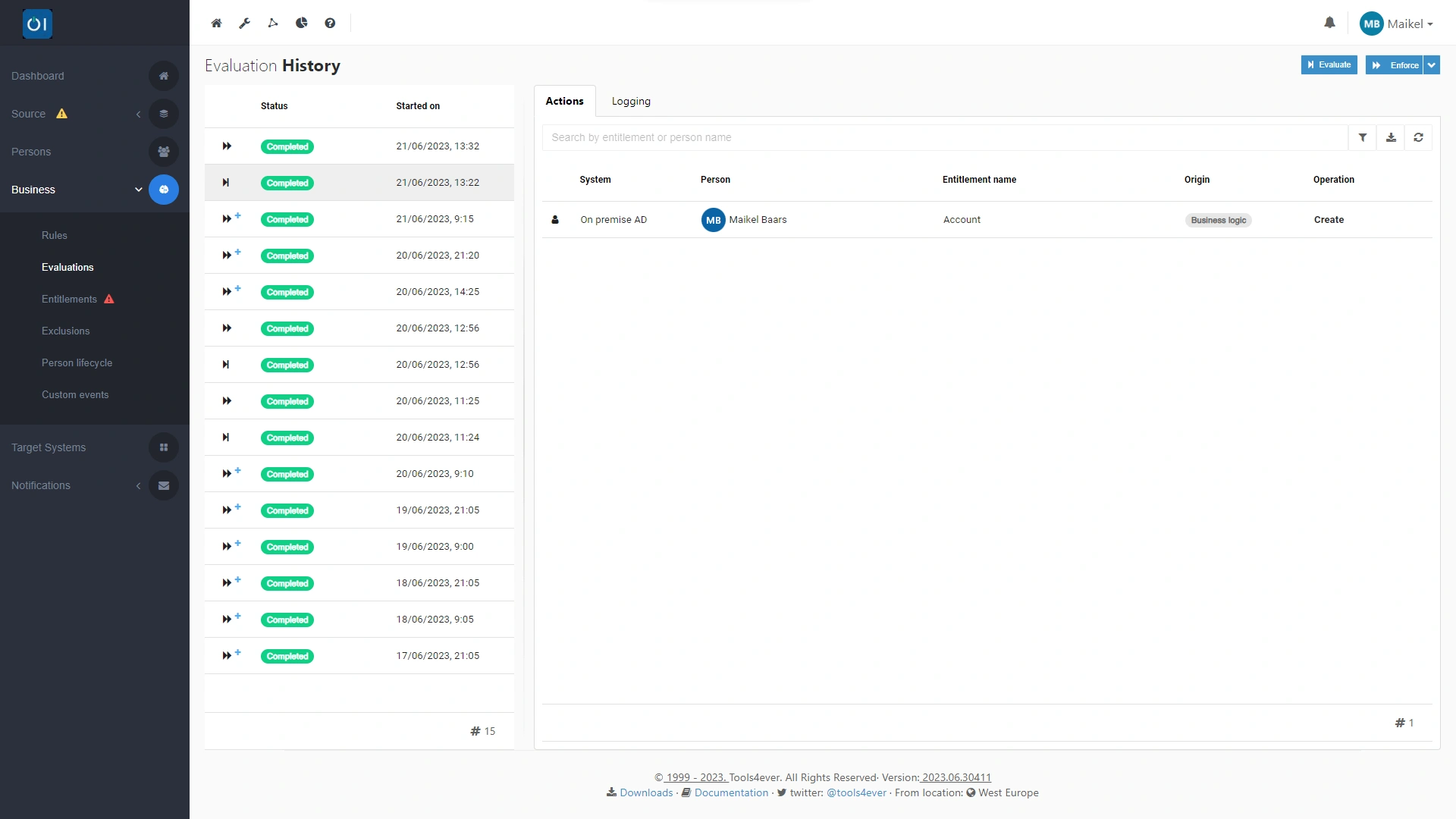
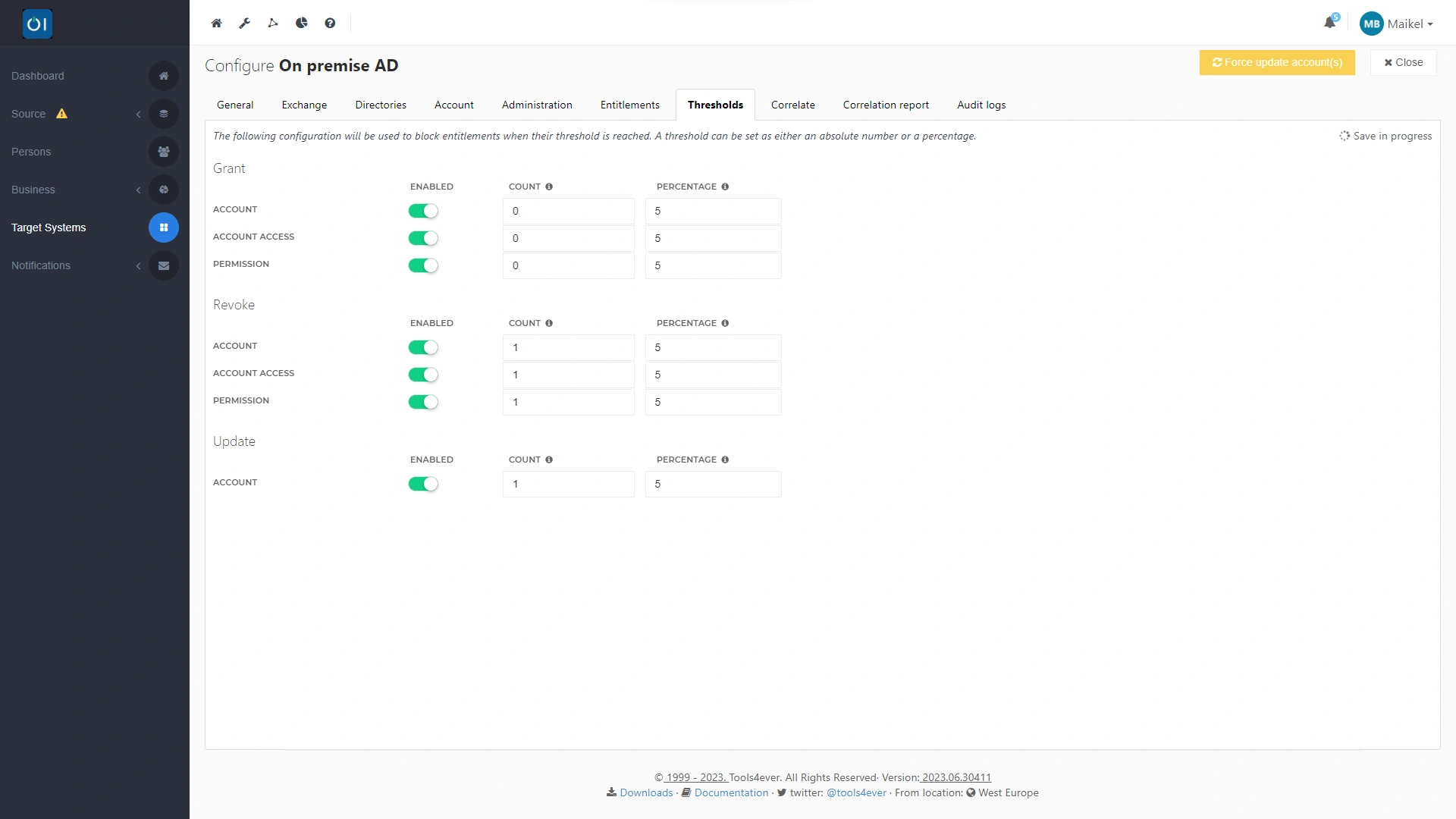
Note: To ensure the test does not affect other accounts, we recommend enabling all thresholds for your target system. Go to 'Target Systems' in the Provisioning dashboard and open the 'Thresholds' tab. Enable all thresholds. In addition, set the thresholds for 'Revoke' and 'Update' to 1. This ensures that HelloID may only create new accounts and cannot modify existing accounts. You can then be certain that a test only touches the test account and that no other business rules affect other accounts.
How did the test go?
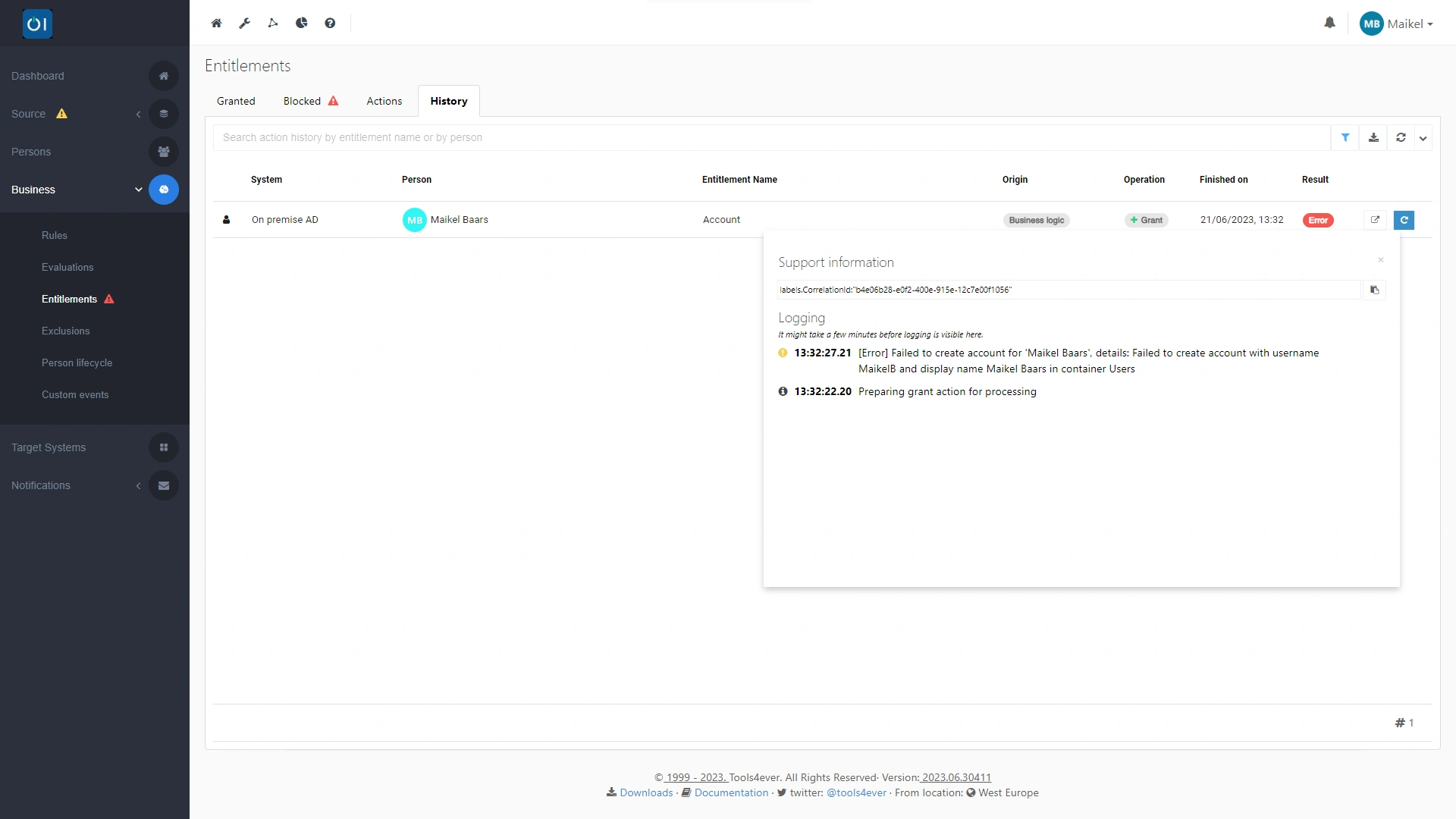
Review the results on the 'Entitlements' tab, which provides an overview of all executed actions. The 'Status' field shows the result of each action. If a green button displays 'Granted', the action was successful. If the action did not succeed, a red button with 'Error' appears.

If the test failed, you can open the related log files with one click to find more information about the issue. This immediately shows why HelloID could not execute the action, so you can address the problem directly.
Run the test again
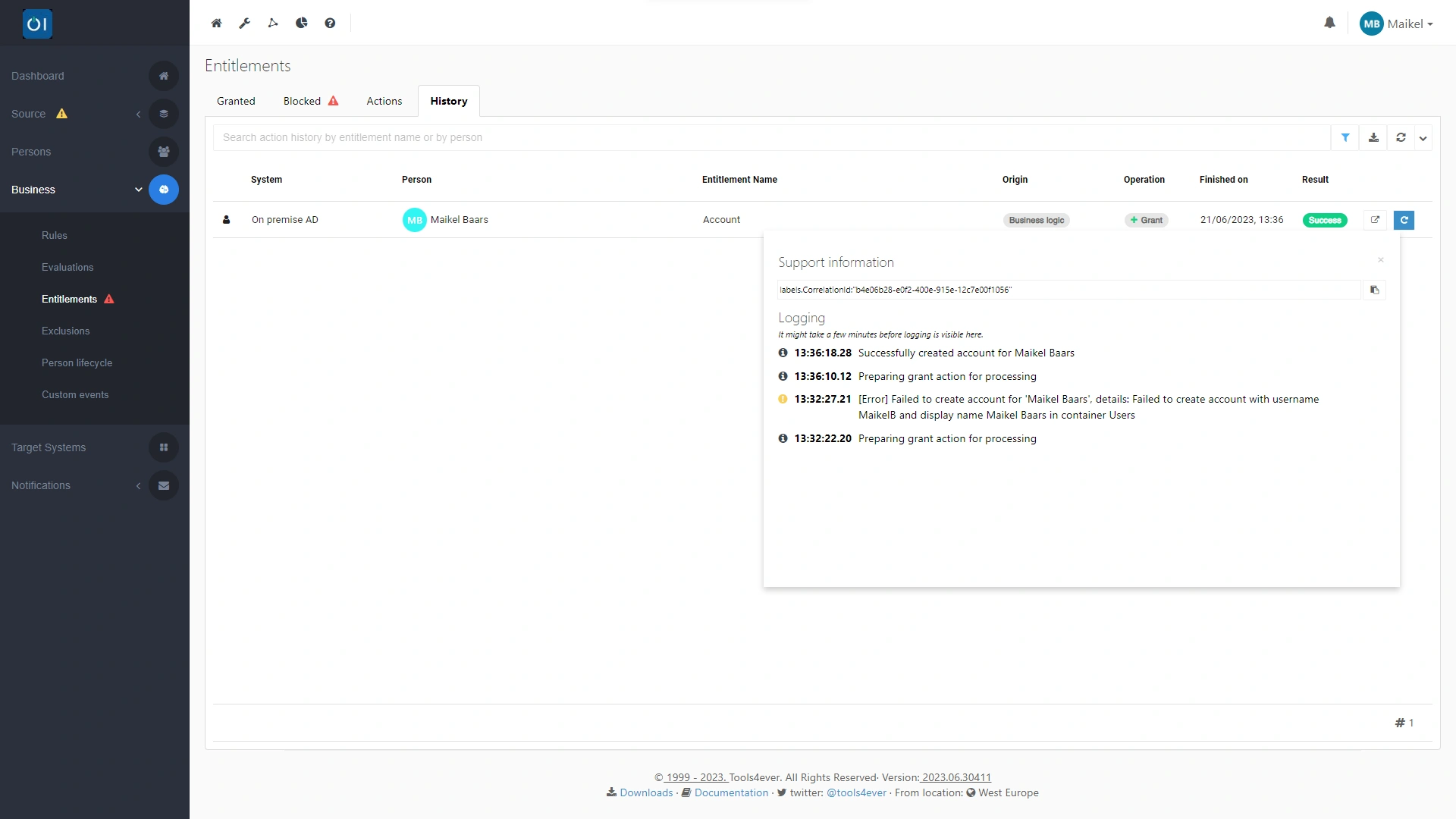
Made a change? You can easily re-run the action to test again. If creating an account in your target system succeeded earlier, delete the created account from your target system. If the test also created a home directory, do not forget to remove that home directory before you run the test again. If HelloID creates an account and then encounters an existing home directory, HelloID automatically removes the newly created account to prevent duplicates. The IAM solution will only execute the test correctly when both the account and the home directory are absent.

Then, in HelloID on the 'Entitlements' tab, click the blue button next to the action you want to execute and test again. This allows you to further fine-tune your configuration and keep testing until you achieve the desired end result.
Expand the test
Want to expand the test? Edit the existing business rule and add extra actions under 'Entitlements'. For example, write data back to your HR system through a target connector. When you re-run the test, HelloID will also execute the additional actions. You can repeat the test until you have successfully validated the entire chain of desired actions.

If the test was successful and you are satisfied with the end result, you can convert the test into a permanent action by expanding the action's scope. Do this by modifying the business rule you created for the test. You can also choose to create a new business rule. In that case, remember to remove the business rule you used for testing.
Set up a notification
Notifications keep you fully informed about executed actions, including the test. Do not forget to set up a notification for the test action. Learn how in our blog about notifications.

Get started
Ready to start testing your production setup with a single person or account? Watch this video, which provides a brief explanation of the options. Do you have questions? Contact us!