







Organizing RBAC with Role Mining
In a previous blog, we explained Role-Based Access Control (RBAC) and how customers apply it. With RBAC, you automatically assign accounts and permissions based on a person’s role within the organization. You no longer need to determine, for each individual user, which facilities they need. Instead, you use an authorization matrix, also called a role model, in which you define for each role which IT resources are required by default.
The challenge is how to create a first version of such a role model and how to keep it up to date and improve it further. Role mining is the ideal tool for that. We cover this in more detail in this blog. First, we briefly explain how RBAC is implemented in HelloID, then we show how role mining supports it.
Role Model in HelloID
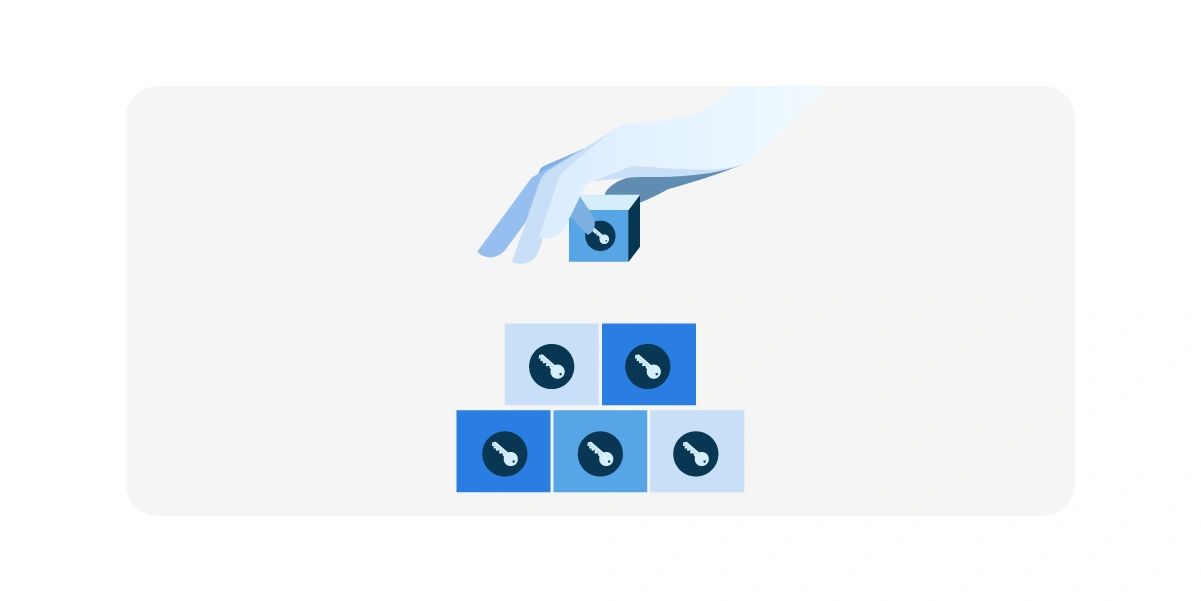
In HelloID, we implement RBAC using business rules. Each policy rule consists of one or more conditions and the associated permissions. An example of such a rule could be:
Every user with the job title ‘Sales manager’ (the condition) receives an account in the CRM system with permission to create and edit customer records (the permissions).
Many people assume that roles always refer to job functions, such as ‘Sales manager’. However, business rules can also be based on other user attributes. For example, the department where someone works or the specific location. This is why we also use the term ABAC (Attribute-Based Access Control) instead of RBAC in HelloID.
In general, you need multiple business rules to automate provisioning effectively. Together, these rules form your role model.
Challenges When Building a Role Model
If every process in an organization were documented in detail, including who performs which steps with which IT functions and data, you could, in theory, compile such a role model easily. In practice, this top-down approach often disappoints. When you ask managers which accounts and authorizations their employees need, the information is usually too abstract and not specific enough. Sometimes months pass during such an analysis, and the baseline is already outdated. That is why we use a far more pragmatic method, role mining.
Role Mining Process to Build Your Role Model
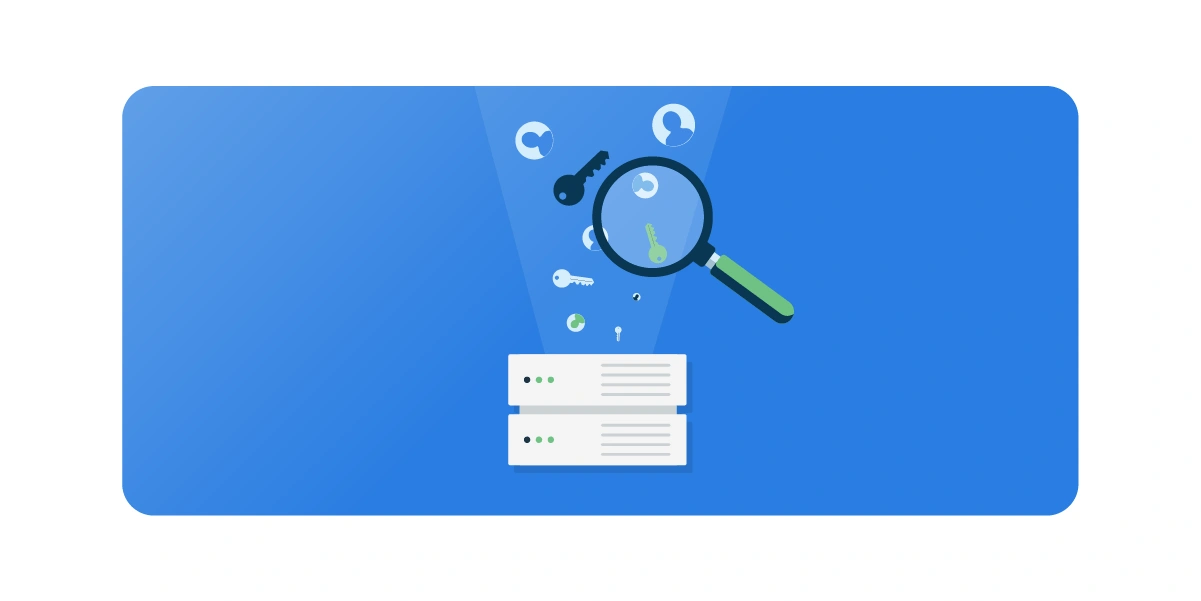
The premise of role mining is simple: even without automated provisioning, you have already tried to assign each user the right accounts and permissions as accurately as possible. That means the existing settings in your IT systems already contain a great deal of knowledge that can be reused for your role model. Role mining extracts and applies that information.
Connecting Source and Target Data
With automated provisioning, you use user data from a source system, usually the HR application, to determine which user accounts and permissions must be created in target systems. Those systems must therefore be connected to HelloID. One of the first steps in your implementation project is to connect a source system and one or more target systems. Once that is in place, you can also use those connected systems for our role mining. You can upload various existing data from those systems:
· From target systems, we collect ‘bottom-up’ data about which accounts and permissions have been granted and to which users.
· From the source system, we collect ‘top-down’ data about each user’s role. For example, what is a person’s job title and department? And which certifications or degrees does he or she have?
With that data, we can establish relationships between users’ roles and the permissions they have been granted.
Analysis and Pattern Recognition
Role mining helps you draw these connections and recognize patterns. Assume you employ 20 account managers and 18 of the 20 have access to a specific folder with confidential market information. You can then question why two colleagues do not have access. If that turns out to be an oversight, we can record in a generic business rule that every account manager will automatically receive this permission in the future.
For other user groups, you also see which permissions have been granted, and you may identify correlations that can be translated into business rules. With such a role mining report, an IT administrator, an HR specialist, and a HelloID consultant can often assemble a first usable set of business rules in a single session.
From Large Groups to Small Teams
We work from broad to specific. If we can assign rights to the entire population or to an entire department, that is always preferred. In many organizations, all employees receive a standard email account and office applications. Access to a departmental share is granted to everyone in that department, regardless of specific job function. You can therefore grant such permissions through a business rule that applies to the entire population or department. We define business rules only when necessary, for smaller groups of employees, such as those with specialized roles.
In the role mining process, we iterate across all roles to identify as many permissions as possible that can be automated through business rules. It is important to note that roles are not always purely hierarchical. There can be an overlap. Line managers may form a separate role, but every manager also works within a specific department. If a permission has been assigned to only a few managers, it may not be a typical ‘manager permission’ but may have been granted due to the department. Role mining can surface these relationships, but you still need IT and organizational knowledge to draw the right conclusions.
80-20 Rule
It should not be the goal to automate every permission. Our rule of thumb is that you can usually automate about 80 percent of your permissions effectively. In addition to this so-called birthright access, you will have about 20 percent left that is better handled manually or through self-service. Automation generally works better for clearly defined operational roles, such as clinical staff, than for various staff roles. Fortunately, the operational group is often much larger, so automation yields higher returns.
Role Mining Tool in HelloID
We use the role mining process described above during the initial HelloID rollout. Normally, the HR application is connected, and the target systems are Active Directory and/or Entra ID. With this role mining scan, you are still focusing on basic permissions, yet in practice, it provides an excellent first step for automated account and access management.
At the same time, that is not the end. Over time, you will want to connect additional business applications and automate the corresponding application permissions. Things will also change over time. Your IT landscape may change, business processes may be reorganized, or the job architecture may be updated. All of these can impact your role model.
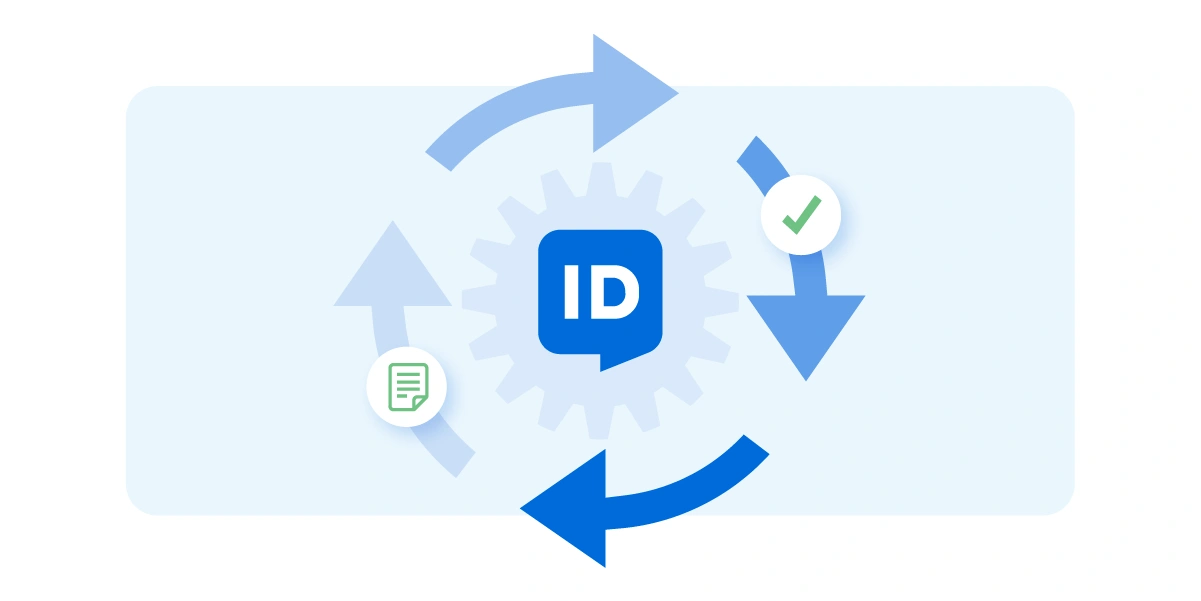
To support this, we developed a Role Mining tool within the HelloID Governance module. This provides HelloID administrators with periodic role mining reports, which they can use to expand and improve the organization’s role model incrementally. This directly supports the Plan-Do-Check-Act (PDCA) cycle, a requirement in modern information security standards such as ISO 27001.
Overview of the HelloID Role Mining Tool
Below is an example. The HelloID Role Mining report shows user groups filtered by one or more conditions. At the top, you see the total population, meaning everyone with a contract. You can also filter by department (e.g., Grocery and Health) and by users with a specific job title (e.g., Product Communications Facilitator).
For each group, you see the number of users and which permissions have been granted in the various target systems. Exceptions are highlighted, and you can easily drill down into a specific group. For example, you may see that two employees in the Outdoors department are missing a specific permission, including the relevant details. This allows you, as an administrator, to regularly assess the status of your role model and identify areas for improvement. A useful aid is the indicator that marks permissions also used in a ‘parent group’. This prevents duplicate grants.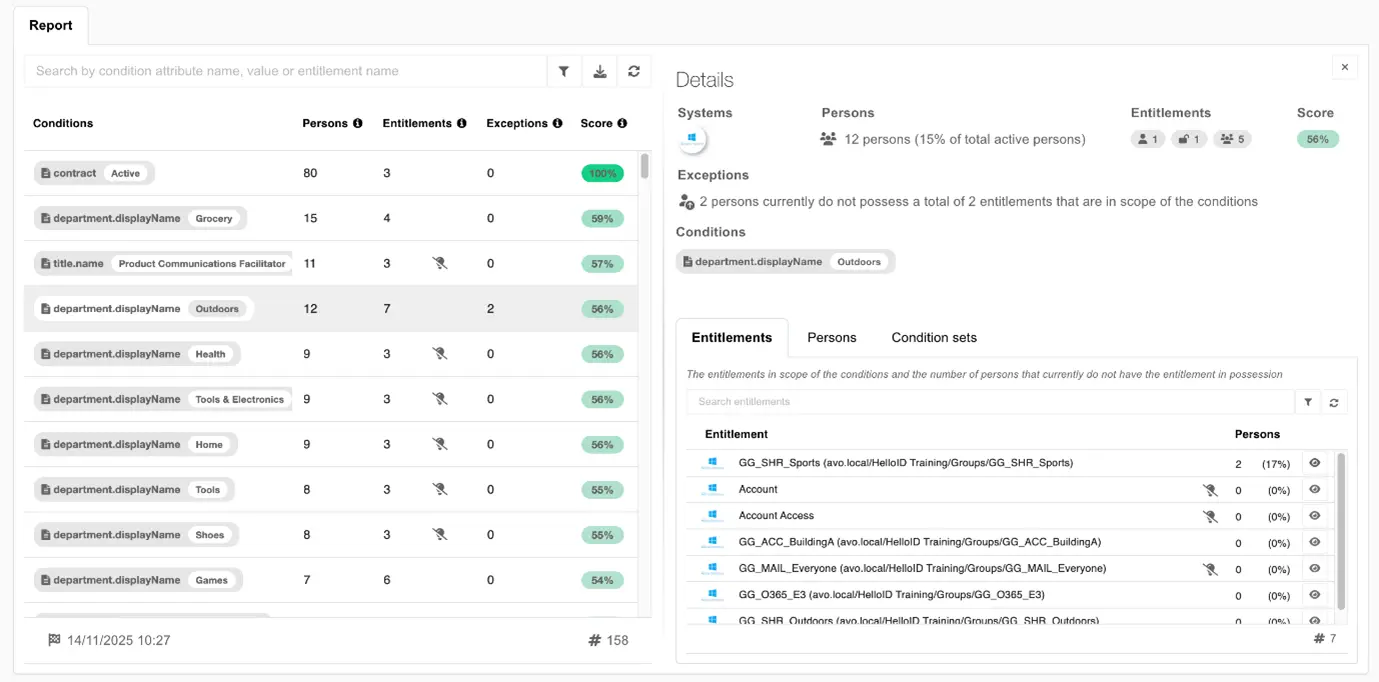
Want to Learn More About the Governance Module?
Up to now, we have used a role mining process during the initial HelloID Provisioning rollout to quickly compile a first role model. With the new Role Mining tool, we can now continue to expand, optimize, and keep that role model up to date. The Role Mining capability is available in the Governance module. Sign up for a free demo to experience how the Governance features work in your HelloID environment.