







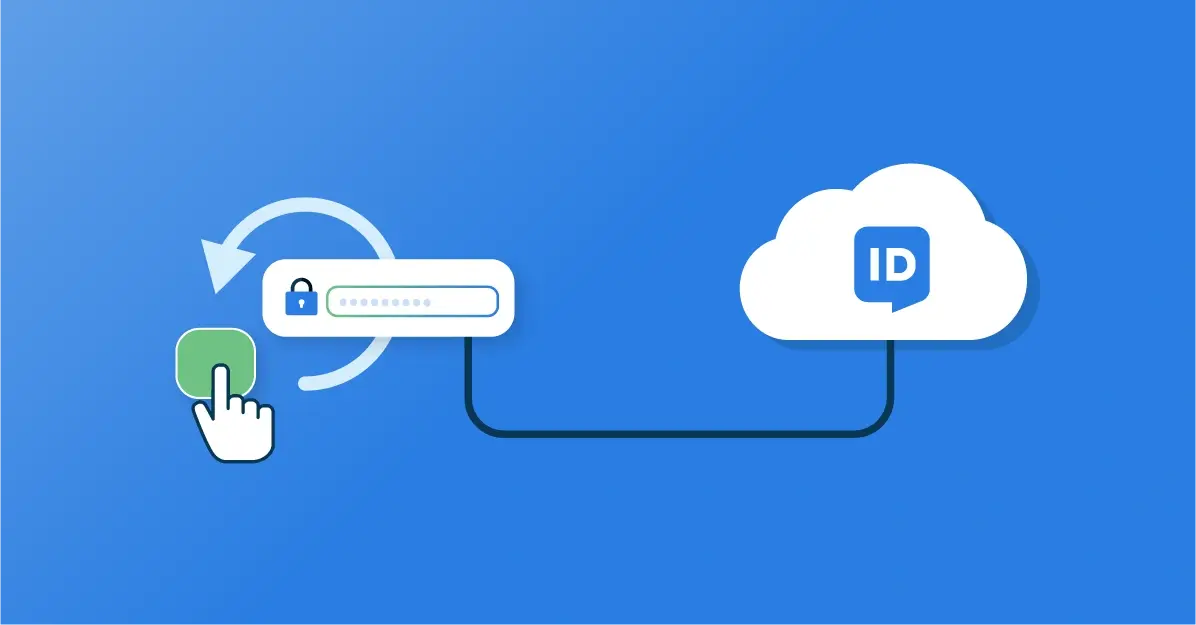
Access Management: Self-service Password Reset
Forgotten passwords can severely impact productivity. For example, users may no longer be able to access the applications, systems, and data sources they need. HelloID Access Management self-service password reset solves this and enables users to reset and recover passwords on their own.
What is self-service password reset?
HelloID has two types of users: local users and synced users. Local users are accounts created locally that provide access to the HelloID environment without involvement of an identity provider. You can use these in various situations, for example when working with external users who need access to HelloID or when you use an unsupported directory system.
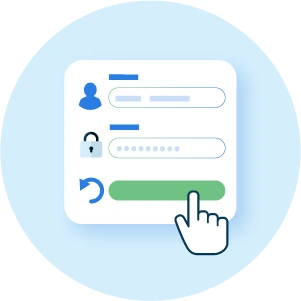
If users sign in to HelloID with a local account, you can enable them to recover their password through self-service password reset without service desk involvement. This is convenient, because users can get back to work faster while the service desk is relieved at the same time. If you use synced users, then in most cases users can reset their password through your identity provider.
What are the capabilities?
With self-service password reset, users can reset their password with a single click. This is convenient, because they are not dependent on the service desk and can reset their password immediately at any time.

The self-service functionality is available through the 'Forgot password' button, which appears on the sign-in screen for local accounts once the 'password self service' option is enabled in the admin portal. Depending on the configuration, the user receives a code by email or SMS to reset the password. HelloID always uses the email address or phone number listed in the user's profile.
Configure self-service password reset
To get started with self-service password reset, administrators must enable the feature in the HelloID admin portal and configure it. This includes setting the token valid time, which determines how long the delivered code remains valid. It also includes the token length, which defines the length of the code. You also configure how many times a user may enter an incorrect code before HelloID blocks the recovery function for that user for security reasons.

You can also configure that users always receive the code by SMS. Only if a user's phone number is not available or the provided phone number is not valid will HelloID send the code by email in that case. Note: if you choose to use SMS you must configure an SMS provider yourself. For several well-known SMS providers, HelloID offers templates. Is your provider not in the list? Then you can enter the required details yourself using a custom template.
Get started
Ready to get started with HelloID Access Management? Visit our website for more information about the capabilities. Do you have questions? Contact us!