








Access Management: Manage Guest Access
The identity and access management (IAM) solution HelloID by Tools4ever elevates account and user permission management. Not only can regular users be easily and consistently provided with the right access through the solution’s Access Management module, but so can any guests or users who require only limited access. You can use guest access for this.
What is Guest Access?
In some cases, you want to grant application and data access to users who do not have their own user account. Examples include employees who are working for you temporarily or external users who need access to a single application. They cannot sign in with a regular account, yet they still require access to some business applications, such as the intranet, time tracking, or service desk self-service functions.

HelloID lets you grant these users the required access through guest access without creating a full user account. They receive access to the necessary applications and data without needing to exist in your source system. Guest access is well suited for scenarios where you need to grant users temporary access to applications.
What are the Capabilities?
You can apply the same security features to guest accounts as you do for regular users. For example, you can enforce password complexity and exclude specific words from passwords. You can also configure password expiration, such as requiring users to choose a new password every quarter.
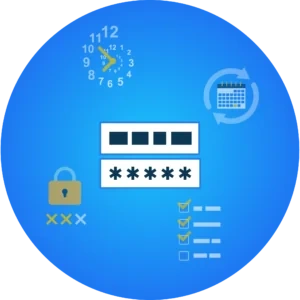
In addition, you can apply a lockout policy that automatically blocks account access after a defined number of failed sign-in attempts. This increases account security by stopping malicious actors who try to guess a user’s password.
Configuring Guest Access
Users who use guest access sign in as local users, with their data stored locally in HelloID. In practice this means you can enter the data manually in HelloID, retrieve it through HelloID Provisioning from an HR system connected as a source to the IAM solution, or manage it through an API. With an API, you can automate user management in HelloID.
Using local accounts in HelloID has the additional benefit that you do not need a license for these users in your source systems, such as Active Directory, Azure AD, HR2Day, Elanza, or Visma.net.
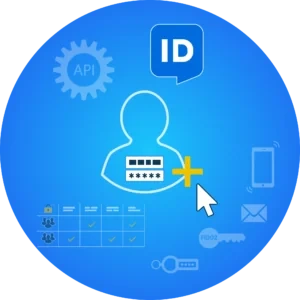
You configure guest user application access through groups in HelloID. Set the required permissions per group, and all users assigned to that group receive those permissions. If desired, HelloID Provisioning can automatically place users into groups based on data from your source system.
Local HelloID users can use all features available in HelloID Access Management. You can apply multifactor authentication (MFA) to guest accounts, including the HelloID Authenticator, SMS, email, FIDO2, and hardware tokens.
Get Started
Ready to get started with HelloID Access Management? You can find more information about the capabilities here. Do you have questions or want to consult with our experts? Contact us!