








Authorization (AuthZ)
Authorization, often abbreviated to 'AuthZ', is the third and final step in the Identity and Access Management (IAM) process. It is a process centered on a person's digital rights, a crucial element in the secure use of applications, networks, devices, and digital environments. But what exactly does authorization mean? How does it differ from the concept of authentication? In this article, we take a deeper look at authorization, untangle its complexities, and highlight its key role in cybersecurity.

What is Authorization?
An administrator within an organization may have the right to:
Create and delete user accounts
Change system settings
Manage access rights
A regular user, for example, may have the right to:
View and edit their own account information
Perform specific tasks that are relevant to their role
Authorization is therefore an essential part of an effective security policy. It ensures that only the right people have access to the right information and resources, and that they can perform only the actions required for their specific role. This helps protect the integrity and confidentiality of sensitive information and reduces the risk of unauthorized access and misuse.
.webp)
How do You Manage Authorization?
Authorization is a delicate process. Especially when dealing with business-critical or privacy-sensitive information, you must be very careful about who you grant access to a specific file or online environment. That is why most organizations work with a system of clearly defined rights. There are different ways organizations can implement that authorization management, depending on their specific requirements and policies. You then follow the steps below:
Define Rights Policy: This is the first step in the process. It means developing a policy that guides how you will grant rights to users within the organization.
Implement Access Control Models: There are various models for implementing and governing authorization policies. You can, of course, maintain a list of authorizations per individual user, but that quickly becomes unmanageable in larger organizations. It is then better to grant rights based on someone's role in the organization. In the next paragraph, we provide several examples of such authorization models.
Enforce Authorization Policy: This means ensuring that the defined rights are followed. This can be achieved through regular audits and automated tools that detect and block unauthorized access attempts.
Continuous Evaluation and Adjustment: Authorization policies must be reviewed and updated regularly to ensure ongoing effectiveness and to respond to changing circumstances and threats.
.webp)
Types of Authorization Methods
Below are several examples of authorization methodologies:
Identity-Based Access Control (IBAC): an access control model in which access to systems, data, or resources is granted based on the user's identity. Access is granted based on a personal list of assigned permissions.
Role-Based Access Control (RBAC): Users are assigned to specific roles, and access is granted based on their role. A user with the role 'administrator' may, for example, have full access to all systems, while a user with the role 'guest' may only have access to certain information.
Attribute-Based Access Control (ABAC): Here, user attributes, such as department or location, are used to determine a user's authorization to access specific resources. For example, a user may be granted access to specific customer data if they are in the 'sales' department, but not if they work in 'finance'.
Risk-Based Conditional Access: This involves defining specific rules that determine whether a user has access to certain resources. For example, a rule may state that users with the role 'manager' have access to certain resources, but only from the corporate network and during the hours of 9 a.m. to 5 p.m.
In modern organizations, RBAC and ABAC are widely used. In the examples in this article, we also assume that rights are granted based on roles. In practice, such an authorization model is often captured as an authorization matrix within your IAM environment.
Key Considerations for Authorization Management
You determine who can do what based on function, department, role, or project within an organization. Some people will be allowed to read files only, while others may also modify them. A manager or executive will, for example, have more rights than someone on the front line. There are several key considerations to keep in mind when designing and enforcing a solid authorization policy:
Assign access rights to teams, functions, or roles, not to individuals. Roles and access rights often change when people take on a different position within the organization.
Ensure that all systems with personal data or information about roles or rights use the same data sources or are at least connected to each other.
Ensure that employees do not have multiple accounts. This creates confusion and increases the risk of authorization errors.
In addition to the previous point, it is important to use individual accounts and not group accounts.
Provide clear, well-documented procedures for employee onboarding, job changes, and offboarding.
By following these steps, you can implement a robust and effective authorization process that helps protect your organization against unauthorized access and misuse.

PAM and the Principle of Least Privilege
Two concepts that play an important role in authorization are privileged access management (PAM) and the 'principle of least privilege'. The first term refers to the discipline that helps secure, control, manage, and monitor privileged access to IT infrastructure and networks. Only a limited group of users has such far-reaching rights, and they do not always need them.
The principle of least privilege means that every user, program, and process should have only the absolute minimum rights needed to perform their tasks. This means that users should have access only to the resources and functions they need to do their work, and nothing more. This helps reduce the risk of security weaknesses and prevents accidental or malicious damage.
The Difference Between Authentication and Authorization
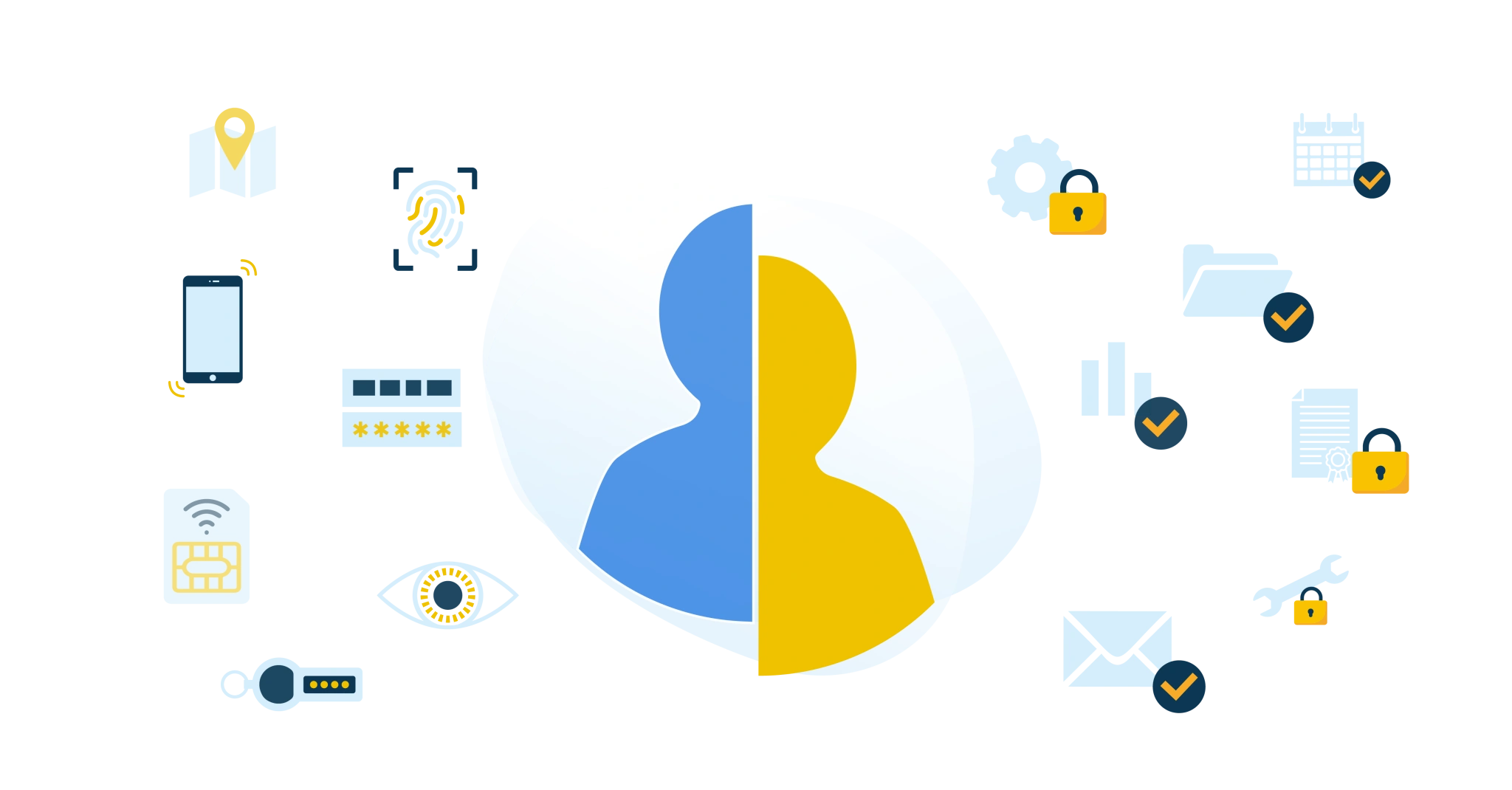
Authentication is often confused with authorization. The two concepts are certainly related, and both are part of the IAM process. However, they have different meanings.
We can clarify the difference between authentication and authorization with an analogy. Suppose you go on vacation and ask your neighbor to feed your cat and water your plants. The key that allows the neighbor to open your front door is authentication, comparable to login credentials that give users access to a digital system or a secured online environment.
Authorization is what the neighbor is allowed to do in your house. They may, of course, take the cat food from the cabinet and get water from the faucet. However, you probably prefer that they don't rummage through your filing cabinet or inbox. Translated to IAM, this means that authorization determines exactly what someone may do with a file or application and within a given system.
Authentication Versus Authorization: A Deeper Dive
Let us expand on this. What do both processes mean within your access management, and what are the differences?
Authentication
Authentication, often referred to as 'AuthN', is the first step in the access management process. It is the process by which a system verifies a user's identity. This usually happens with a username and password, but can also include other methods such as biometrics, one-time passwords (OTPs), or multifactor authentication (MFA). The goal of authentication is to confirm that the user is who they claim to be.
Authorization
Authorization is the next step after authentication. As discussed earlier, authorization is the process that determines which actions an authenticated user is allowed to perform within a system, network, device, or digital environment. It involves assigning rights and privileges to individual users or user groups based on their roles.
It is important to understand that authentication and authorization go hand in hand; you cannot have effective authorization without first having robust authentication. So, authentication verifies a user's identity, and authorization manages their access to resources after that identity has been verified.
Authentication vs Authorization
By understanding the difference between these two concepts, you can implement a more effective and secure access management policy. We have summarized the differences below:
| Authentication | Authorization |
Purpose | Obtain confirmation of who is requesting access | Determine what a user may do after access is granted to view or modify data |
Methods | Passwords, possibly supplemented with Multifactor Authentication. Or passwordless with biometric authentication. | Through settings in the system or application, managed by an IAM platform |
Management | Usernames and verification data are recorded and managed as accounts | Rights are recorded and managed as permissions or authorizations |
Role of the user | During sign-in and some administrative tasks, for example, password reset | No active role. After sign-in, authorizations are determined automatically |
The Importance of Authorization in Cybersecurity
In today's digital world, cybersecurity is of paramount importance. With the growing volume of sensitive information stored and exchanged online, it is crucial to ensure it is protected against unauthorized access and misuse. Authorization plays a key role here.
Authorization is an essential component of any effective cybersecurity policy. It helps protect the integrity and confidentiality of sensitive information by determining who has access to which resources and under what conditions. Here are some reasons why authorization is so important in cybersecurity:
Protection of Sensitive Information: By regulating who has access to specific information, authorization helps protect sensitive data against unauthorized access and misuse.
Limiting Damage in a Security Incident: If an attacker gains access to a system, a well-implemented authorization policy can help limit damage by restricting the attacker's access to other parts of the system.
Compliance with Legal and Regulatory Requirements: Many industries and jurisdictions have laws and regulations that require organizations to implement specific security measures, including effective authorization controls.
Trust from Customers and Partners: A strong authorization policy can help earn the trust of customers and partners by showing that you take their data seriously and take steps to protect it.
In short, authorization is a crucial part of cybersecurity and plays a key role in protecting sensitive information against unauthorized access and misuse.
Use Cases for Authorization
Authorization plays a role in a wide range of use cases, especially in environments where access to information and resources must be controlled and managed. Here are some examples of use cases for authorization:
Corporate Networks: In a corporate network, authorization can be used to determine which employees have access to which resources. For example, an HR employee may need access to personnel records, while a finance employee must have access to financial data.
Cloud Services: Many companies use cloud services for data storage, collaboration, and software development. Authorization can be used to determine which users have access to which services and data.
Mobile Apps: Mobile apps often use authorization to determine which users have access to which functions and data. For example, a banking app can have different authorization levels for customers, bank employees, and system administrators.
E-Commerce Websites: On an e-commerce website, authorization can be used to determine which users have access to which functions. For example, a customer may need access to product pages and the shopping cart, while a site administrator must have access to inventory management and order processing.
Healthcare Systems: In healthcare, authorization determines which providers have access to which patient data. This is especially important for protecting patient privacy and complying with regulations such as the GDPR.
These examples show how versatile and essential authorization is in different environments and applications.
Related Articles
- How Zero Trust Helps Organizations Reduce Cyber Risks
- From Startup to Scale-Up. Who Still Has Access to What?
- Applying the Standards Framework in Education? Work together!
- Organizing RBAC with Role Mining
- SAML vs OAuth vs OpenID Connect
- Governance - What and Why?
- 9 best practices for identity and access management (IAM)
- Onboarding checklist
- RBAC best practices for effective access management
- IAM vs IGA: What Are the Differences?