








From Startup to Scale-Up. Who Still Has Access to What?
When should I, as a scale-up, start worrying about digital access management? If you, as a business owner, ask yourself that question, the answer is usually now. Even if your organization is not large yet, it quickly becomes difficult to manage all your applications and data. As soon as the person responsible loses track among spreadsheets with accounts and access rights, it is time for a more structured approach. Preferably, before you experience your first data breach. Getting hacked is no longer a question of if. The question is when it will happen and whether you are prepared.
How can you approach identity and access management in a structured way? We cover this in more detail in this blog.
Why Does Access Management Become Harder as You Grow?
Identity and authorization management involves issuing and managing accounts, application permissions, and data access for employees. That management becomes more complex as headcount grows, you roll out more applications, and operations become more complex. Access management, therefore, becomes an organizational challenge when a startup with a few employees scales to a scale-up with dozens or even hundreds of employees.
Especially because innovation is usually central to scale-ups, which means relatively heavy use of digital solutions. This includes not only scale-ups that have developed their own SaaS offering. A construction company that develops and delivers prefabricated products will also invest above average in digitization today. Although digitization primarily makes you more efficient and productive, you still need to consider who owns all those applications, who should have access to them, which specific features they should have, and what data they should access.
During that growth process, the organization will also become more complex. There will be more departments, roles, and tasks, and the ecosystem of partners, customers, and regulators will become more complicated. You must also ask who may access which data there, and why.
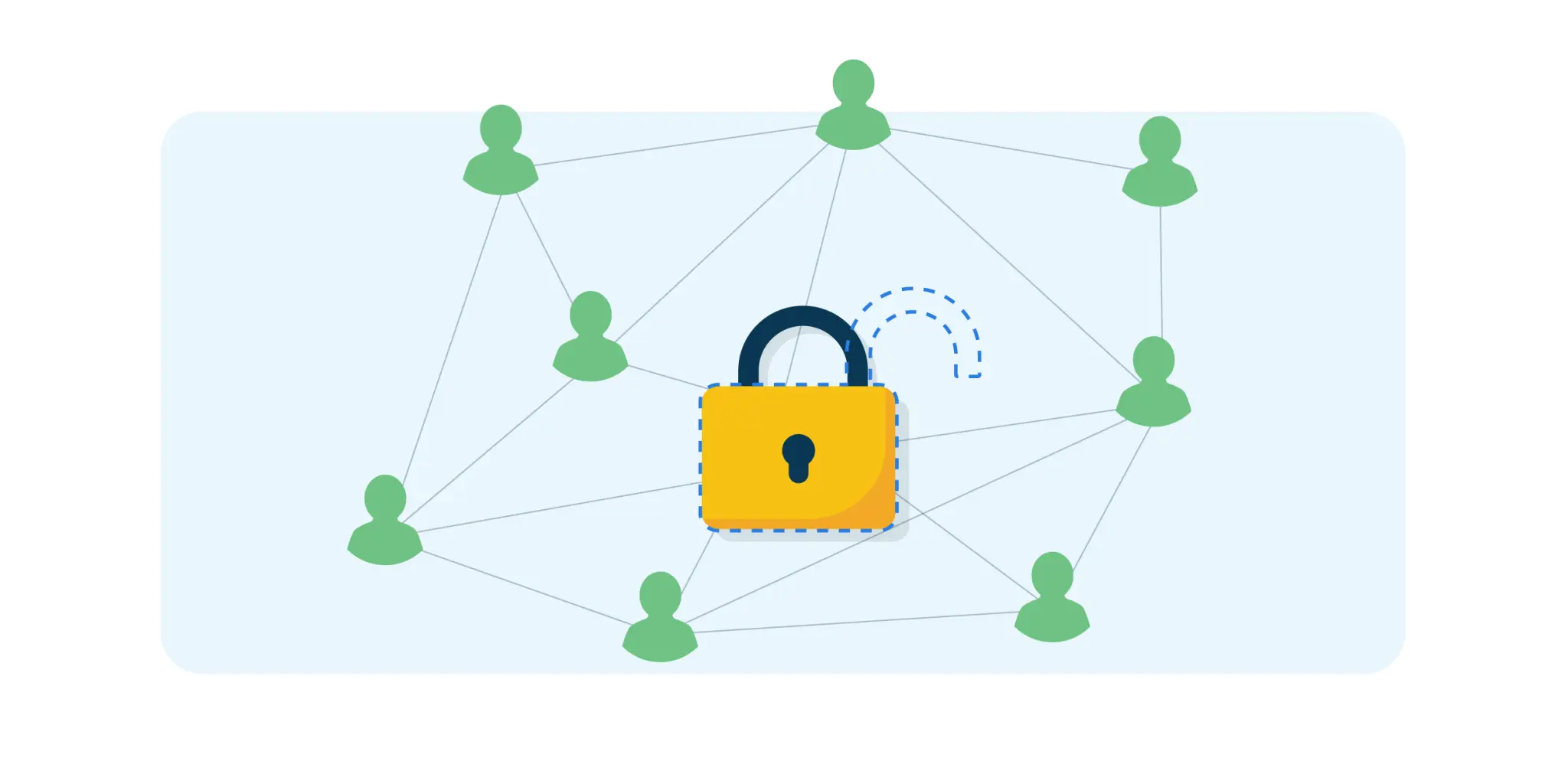
What Changes in IAM as You Scale?
You can see that growth is reflected in how you can organize account and permission management. In the startup phase with a small team, the emphasis is usually on speed and flexibility. Accounts are created manually, passwords are managed with simple tools or spreadsheets, and processes are largely informal. Everyone has other priorities at that point.
As you grow, you quickly need more structure and centralized control. In the best case, you conclude on your own that this must change, although sometimes the trigger is a first cyber incident that serves as a wake-up call. Organizations then often introduce a central identity provider and implement mechanisms such as Single Sign-On (SSO) and Multifactor Authentication (MFA) in a structured way.
As you grow, external stakeholders scrutinize you more, so the need quickly arises to truly automate permission management as a lifecycle process. With an Identity and Access Management (IAM) solution, you grant and manage access rights from onboarding through employee offboarding.
We elaborate on this below in a step-by-step plan from startup and scale-up to midsize organization. First, we summarize the key challenges.
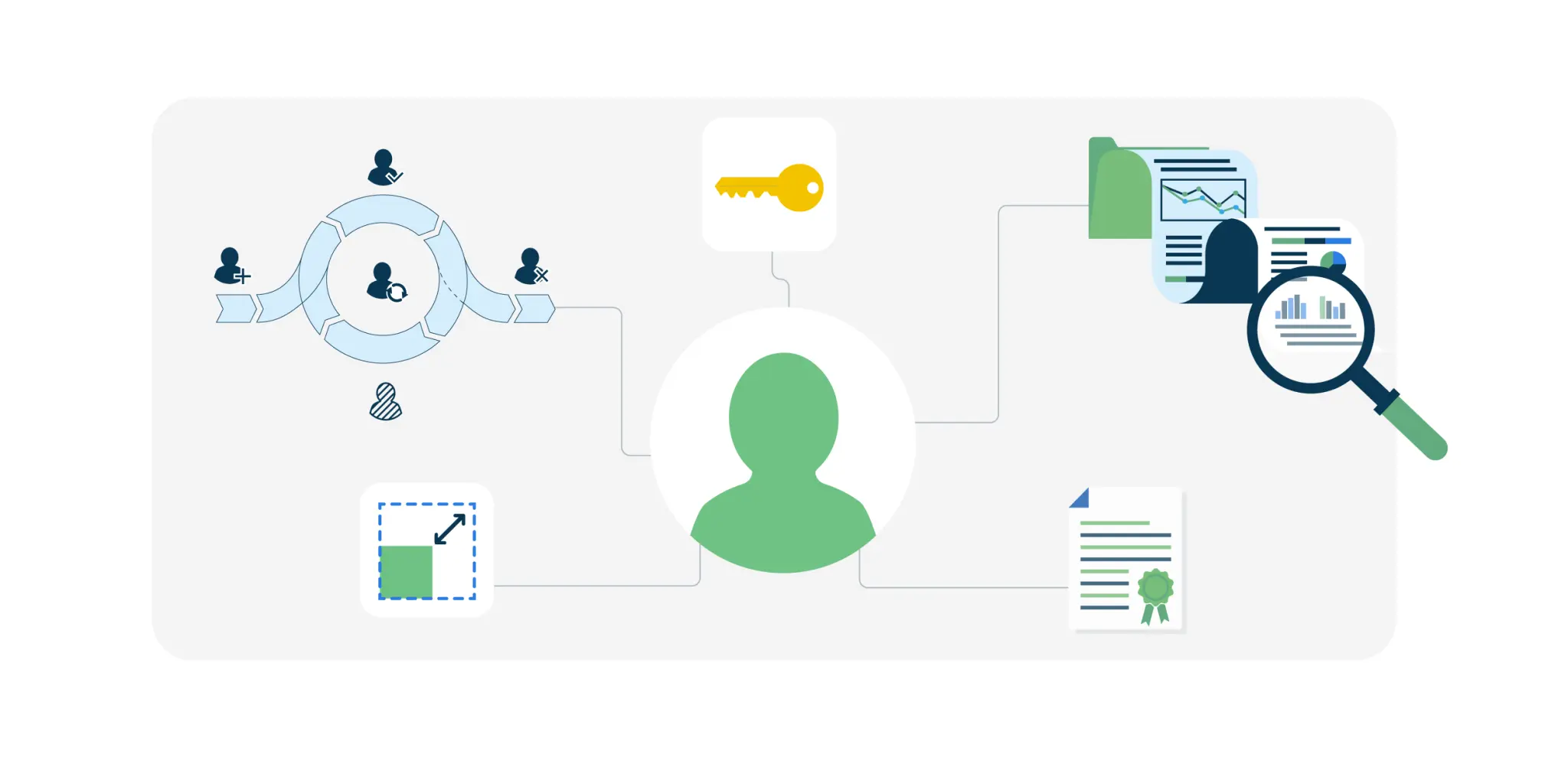
5 Common IAM Challenges in Growing Organizations
The centralization and automation of identity and access management described above are necessary to address several well-known challenges in growing organizations.
Lack of Lifecycle Management. With a steady stream of new hires and organizational changes, errors occur quickly if onboarding, role changes, and offboarding are not organized. It is not only frustrating when a new employee must wait for a license, but even worse when someone leaves and can still use their account afterward. You want to automatically provide people with the right IT resources at every point in their identity lifecycle.
Permission Creep. Without control, permissions often accumulate unnoticed. Employees receive additional access for new projects or role changes while previously granted rights remain active. This so-called privilege creep increases the likelihood and impact of security incidents. If a hacker compromises an account, that person immediately gains far more privileges than intended. With Role-Based Access Control (RBAC), you can ensure that users have only the permissions they need at any moment.
Uncontrolled Exceptions. Not all access rights can be derived from a person’s role. There are always individual exceptions, such as access to a specific project folder or an Adobe license. When these rights are managed manually across separate systems, oversight quickly breaks down. Permissions remain active while no one verifies whether they are still needed. In addition to an automated user lifecycle, well-organized service and self-service processes are required.
No Visibility and Audit Capabilities. You must not only be able to issue and manage accounts and rights. You must also be able to demonstrate on demand how you have organized this. Who received which rights and on what basis? Without an organized identity and access management system, data becomes scattered across systems, making audits and security investigations time-consuming.
No Structured Improvement Process. Scale-ups in particular change continuously: new applications, different processes, reorganizations, and new roles directly influence which permissions are required. Without periodic evaluation, permission management becomes polluted by redundant accounts, exceptions, and outdated roles. A continuous improvement cycle is therefore needed to keep identity and access management up to date and compliant with relevant laws and regulations.
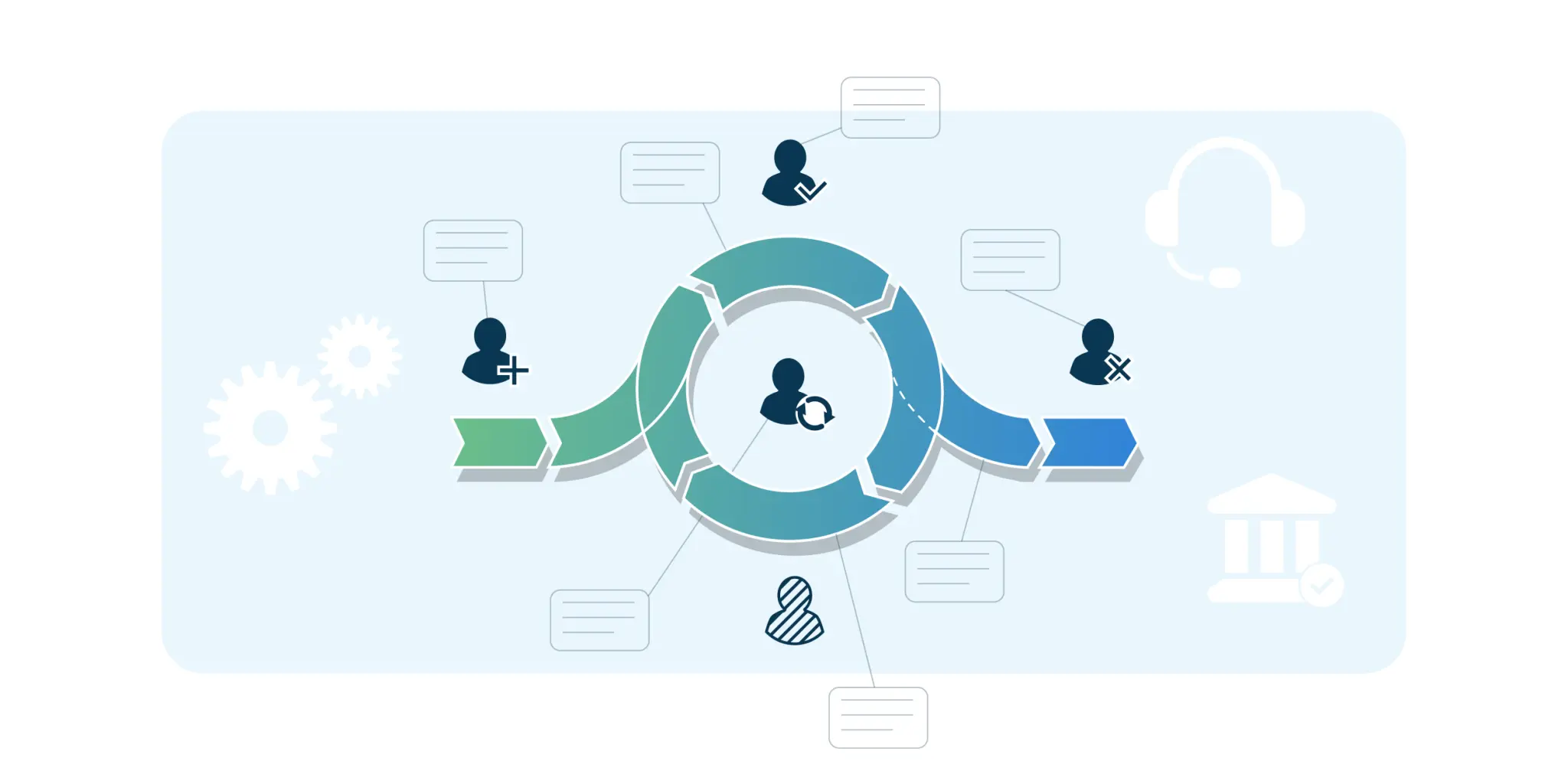
How Do You Scale Your Access Management with the Business?
As you grow from startup to scale-up, the initial focus will be on centralizing authentication with an identity provider and configuring SSO and MFA centrally. In HelloID terms, this is access management. We already saw that this is a foundation that quickly becomes too limited for a scale-up. You then need to automate the user lifecycle, streamline service processes, and be ready for governance topics. A complete IAM solution is required, and it is important that you can follow a controlled rollout plan. We outline an example based on HelloID.
Automating Account and Permission Management
With larger numbers of users and applications, it is critical to automate account and permission management as much as possible. You do this with user provisioning, where accounts and permissions are automatically granted based on unambiguous policy rules. That automation can be complex because you deal with many users, a variety of roles, and different systems. Fortunately, you do not have to do everything at once. You can roll out provisioning gradually.
You often start by connecting the HR system as the primary source system. It contains the key data needed to create employee accounts. The first target system is usually the existing identity provider, followed by the office applications and possibly an IT service management system.
Even if you start by managing only these accounts, you already gain much more control over access management. From there, you can connect additional applications over time and automate not only account management but also authorization within systems. You determine the priorities and pace.
Automating Service Processes
You can streamline the handling of individual user requests with service automation. The first step is often helpdesk delegation. With intuitive online forms, less experienced support staff can perform IT administration tasks independently without risking mistakes in sensitive backend systems. This is also relevant if, during the growth phase, such support tasks are still performed alongside other duties. Examples include creating user accounts and assigning and revoking access rights. As a next step, you can delegate these tasks further to managers or key users. You can also roll out a self-service portal for end users.
A predefined workflow can guide user requests. This ensures that requests are automatically routed to the right people for approval and that all steps are executed consistently and efficiently. The system can, for example, automatically verify whether an employee meets specific criteria before granting access. This gives you control over all individual changes and makes all actions traceable.
Establishing Governance
By default, a platform like HelloID provides logs and reports to verify the proper operation of administrative functions and demonstrate this to auditors and regulators. As a next step, you can further professionalize information delivery and strengthen governance. Examples include connecting external reporting, monitoring, and analytics tools and integrating with a Security Information and Event Management (SIEM) environment.
Governance tools can also help periodically evaluate and improve existing permission management. Examples include tools to monitor consistency across systems, prevent conflicting rights, re-certify individual permissions, and optimize the policies used. You can introduce these compliance and governance functions throughout your IAM program. Some features are useful from the start, while others can be rolled out later depending on what you need.
Develop an IAM Growth Path Together?
In a growing scale-up, the focus of IAM challenges gradually shifts from purely technical access security to organizing the increasing number of accounts and access rights. How do you ensure that all employees consistently have the right IT resources?
Manual management becomes chaotic quickly. You can prevent issues with a well-automated identity lifecycle for your users, supplemented with well-automated service processes and self-service. Powerful governance tools help you verify, optimize, and continuously improve permission management.
It is important to choose an IAM solution that you can roll out in stages. Start with account management for your core systems, then expand to authorization management for your ERP and other business applications. Want to learn more about how HelloID can handle this for you?
View HelloID
Here you can explore the IAM solution and request a demo.
Why does access management become more complex as you grow?
IAM becomes more complex as more users join, you use more systems, and the organization itself grows. The combination of factors makes it increasingly difficult to maintain transparent, consistent permission management.
When does an organization need IAM?
When you no longer have control over permission management, and there is too much risk of unauthorized access, data breaches, and non-compliance with laws and regulations. For example, you notice that employees often have too many or too few permissions.
What are the risks of poor access management?
Poor access management can result in data breaches with associated remediation costs, fines, and claims. Sensitive business data and intellectual property can also fall into the wrong hands.