







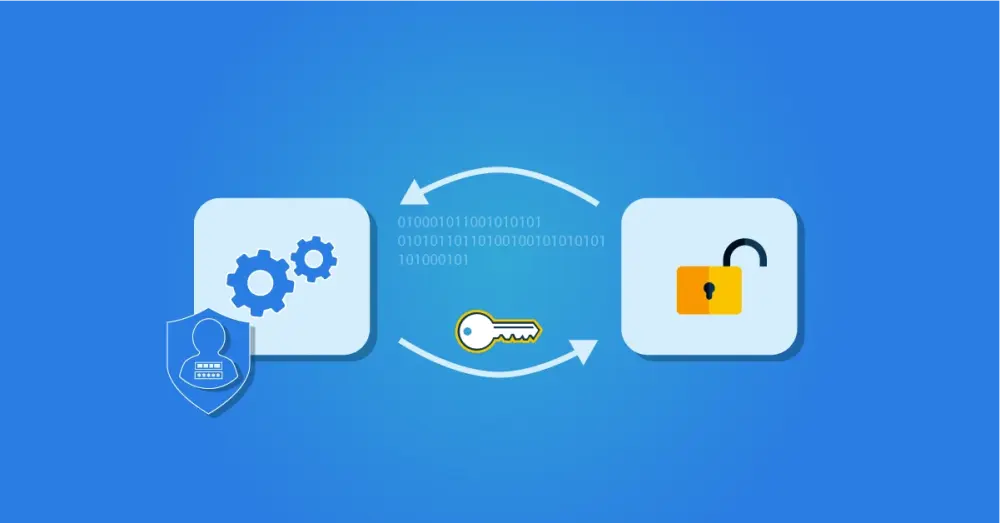
What is OAuth? Open Authorisation Protocol
OAuth is an open authorisation protocol that allows applications to exchange access permissions in a standardised way. Rather than sharing credentials between systems, OAuth issues a scoped access token that grants the receiving application access to specific data or functions, and nothing beyond that.
A useful analogy: when you check in to a hotel, the receptionist does not hand you the master key. Instead you receive a key card that encodes exactly what you can access: the front door, your room, and perhaps the gym or car park depending on your booking. OAuth works on the same principle. An authorisation server issues a token to a target application, and that token encodes precisely what the application is permitted to do via the relevant APIs.
How OAuth Works
To understand what OAuth solves, it helps to compare the approach before it existed with the OAuth-based approach.
The example is a photo-editing application that needs access to photos stored in your Google Drive.
Without OAuth | With OAuth | |
|---|---|---|
How access is granted | The application logs into your Google account directly using your credentials | You grant explicit permission; Google issues a scoped token to the application |
Scope of access | Full access to your Google account and all its data | Access only to view and edit photos, as specified |
Credential sharing | Your username and password are used inside the third-party application | Your credentials are never shared; only a token is passed |
Revocation | Requires changing your password, which affects all access | Revoke the token; no password change needed |
Security risk | High; the application holds your credentials | Low; token scope and expiry are precisely controlled |
With OAuth, you are prompted by the application to sign in to your Google account and explicitly grant permission for the application to access your photos. Google, acting as the authorisation server, then sends an access token to the application that permits exactly that, and nothing more. Your full account remains protected.
Benefits of OAuth
No password sharing. Applications receive a scoped token rather than credentials, creating a clear separation between authentication and the authorisations being delegated.
Fine-grained permissions. Unlike credential-based access, which grants an application everything the user can access, OAuth tokens carry precisely defined permissions that can be configured per use case.
Easy revocation. Permissions can be withdrawn without changing a password, which would otherwise affect all connected systems.
Standardised across vendors. OAuth is an open standard that works across different application types, platforms, and service providers.
Centralised administration. Detailed access rights across multiple systems can be configured and managed from a single authorisation server.
Two Types of OAuth Use Case
Type 1: Delegated Authorisation
The photo-editing example above is delegated authorisation in its original form. The application receives a token that grants access to a specific technical resource, in this case photos on Google Drive. No identity data is shared; the token carries only the technical permission. The application knows what it is allowed to access, but learns nothing about who the user is.
Type 2: Delegated Authentication and SSO
OAuth is now also widely used to support Single Sign-On (SSO). In this scenario, rather than creating a new account with a separate username and password for each application, users can sign in using an existing account from a trusted provider, such as Google, Microsoft, or an employer's identity provider.
When you choose to sign in via Google, the application requests permission to access your name, email address, and profile information. You sign in to your Google account, confirm the request, and the application registers you as a user using that identity data. You do not need a separate account; once signed in to Google, you have access to the application.
This mechanism is used extensively within enterprise environments, drawing on Identity Providers such as Google Workspace, Microsoft Active Directory, Entra ID, or a platform-native IdP. HelloID includes a built-in Identity Provider that supports this pattern.
The key distinction between the two use cases is what the token carries. In delegated authorisation, the token grants access to resources. In delegated authentication, identity data is also shared, which requires an additional layer on top of OAuth: OpenID Connect.
OAuth vs OIDC vs SAML
These three protocols are frequently encountered together in IAM environments. They are related but serve different primary functions.
OAuth 2.0 | OIDC | ||
|---|---|---|---|
Primary function | Authorisation: grants access to specific resources | Authentication: verifies identity, enables SSO | Authentication and SSO |
Developed for | Cloud applications and APIs | Extension of OAuth 2.0 for identity sharing | Enterprise applications |
Token/assertion type | Access token | ID token | SAML assertion |
Credential sharing | No | No | No |
Typical use cases | API access, delegated permissions | Consumer and enterprise SSO | Enterprise SSO |
HelloID support | Yes | Yes | Yes |
OAuth was designed for authorisation: granting access to resources without sharing passwords. OIDC extends OAuth specifically for authentication, adding the ability to confirm a user's identity and share profile data. SAML is an older standard that predates OAuth, developed for enterprise application SSO, and is functionally comparable to OIDC in most deployment scenarios.
In practice, both SAML and OIDC are used in enterprise IAM environments. The HelloID Access Management module supports both.
OAuth Versions
The first version of OAuth was published in 2007. It supported websites only and relied partly on proprietary protocols from companies including Google and Twitter. OAuth 2.0, released in 2012, was a complete redesign. It extended support to mobile applications and APIs, incorporated input from a much broader set of technology vendors, and became the standard on which modern API authorisation is built. OpenID Connect was developed as an extension layer to OAuth 2.0 shortly after its release, adding the identity and authentication functionality described above.
All modern OAuth implementations use OAuth 2.0.
OAuth in HelloID
HelloID supports OAuth 2.0 and OpenID Connect within its Access Management module. This enables SSO flows in which users authenticate once via HelloID or a connected Identity Provider, and access is delegated to connected applications via tokens rather than repeated credential entry. For detailed technical guidance on configuring OAuth and OIDC within HelloID, see the platform documentation.