







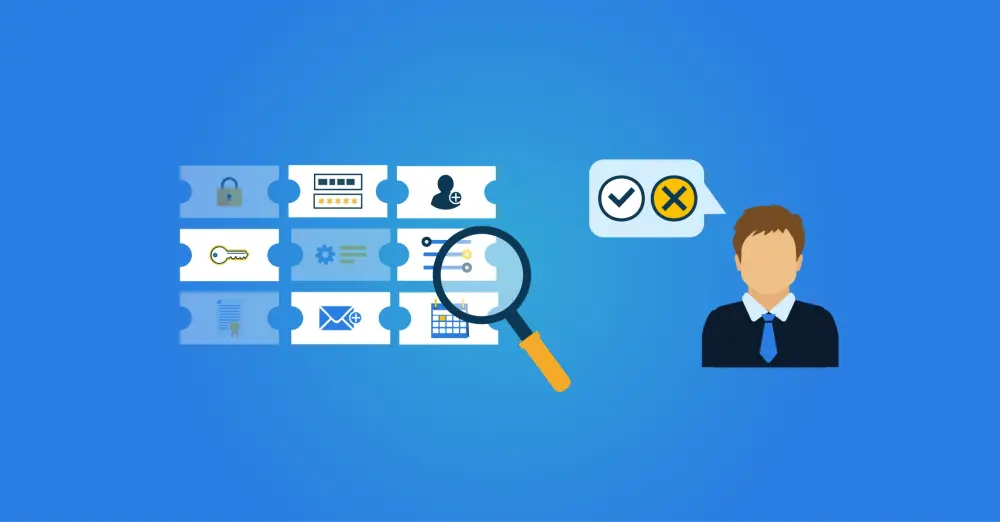
What is Manager Self-Service (MSS)?
Manager Self-Service (MSS) is an application that allows managers to arrange matters for the employees in their team directly. The most established use is in HR, where managers can view and update personnel records. In increasingly digitalised workplaces, however, managers also need to arrange IT-related tasks: granting someone access to an application, adding them to a project folder, or requesting a software licence. MSS has become a meaningful tool for both HR and IT management.
HR Manager Self-Service
Most MSS functionality is built around HR and workforce management. Common use cases include:
Personnel management: viewing personnel files, recording promotions, role changes, and other updates. Performance reviews and appraisals are often managed here too.
Leave and absence management: approving or rejecting leave requests, recording sickness absence, and monitoring attendance across the team.
Salary and compensation management: viewing and approving salaries, payslips, bonuses, expense claims, and other financial compensation.
Recruitment and selection: posting and managing vacancies, reviewing applications, and progressing candidates, typically with HR support but with the manager working through the data independently.
Training and development: reviewing and approving training requests, scheduling development activities, and monitoring progress through courses.
Benefits of Manager Self-Service
For the organisation, MSS drives more efficient management and better decision-making. When managers work from real-time data rather than waiting for reports, they respond faster and more accurately. Structured workflows also make it easier for managers to follow relevant regulations and internal policy consistently.
For managers, the immediate benefit is control. Direct access to team data removes the wait for information to be passed through HR or IT, and the ability to action requests in the moment makes it easier to respond to team needs as they arise.
For employees, the effect is felt in speed and transparency. Requests are processed faster, communication with their manager is more direct, and outcomes are clearer. A manager who can action a request immediately removes the delays that come with multi-step escalations.
Manager Self-Service for IT Facilities
Beyond HR, employees need a wide range of IT resources: access to applications, software licences, data folders, hardware, and more. Manager self-service can handle many of these directly. Two types of platform are typically involved, and they serve different purposes.
ITSM Tools | IAM Platforms | |
|---|---|---|
Primary function | Managing IT service requests, assets, and incidents | Provisioning and managing accounts and access rights |
Examples | TOPdesk, ServiceNow, Jira Service Management | HelloID |
What managers can do | Request hardware, software licences, report incidents, request non-IT assets | Request application access, adjust permissions, manage accounts for team members |
Fulfilment method | Routes requests to responsible departments via workflows | Automatic provisioning for role-based rights; self-service workflows for individual requests |
In practice these two systems work together rather than separately.
How ITSM and IAM Work Together
Consider a practical example. A nurse changes role within the hospital. HelloID detects the change in the HR system and, based on the configured business rules, determines which new accounts and access rights the employee now requires for their clinical applications. Those changes are propagated automatically to the relevant target systems.
One of the business rules also specifies that the nurse role requires a uniform. HelloID sends a notification to the ITSM tool, TOPdesk in this instance, which then initiates the corresponding procurement and fulfilment workflow. The manager does not need to submit a separate request for any of this. HelloID provides the trigger and the two platforms handle the rest between them.
This illustrates a broader principle: ITSM tools manage the logistics of request fulfilment, while IAM platforms control the identity and access layer. Together they cover the full range of what a new or changing employee needs to do their job.
Manager Self-Service Within HelloID
Within HelloID, the majority of account and access management is handled automatically. Based on a person's role, department, or other attributes, HelloID provisions the correct accounts and rights without manual intervention. This covers approximately 80% of all account and management actions.
The remaining 20% involves individual exceptions: a specific licence for a project, access to a shared mailbox, or a temporary permission that cannot be derived directly from a role. The HelloID Service Automation module handles these through configurable workflows.
As a manager, you can request applications and access rights directly for your employees. A single click often suffices; for more complex requests, a short form is presented. Depending on the request type and your organisation's policy, HelloID either implements the change immediately in the target system or routes it through an approval workflow before anything is actioned. Either way, the manager retains clear visibility of their team's IT usage and can equip team members with additional resources when needed.
These capabilities are available through the manager dashboard, which is configurable for each customer environment. Delegated forms can also be developed for customer-specific manager self-service scenarios, giving organisations full flexibility to extend the standard functionality.