







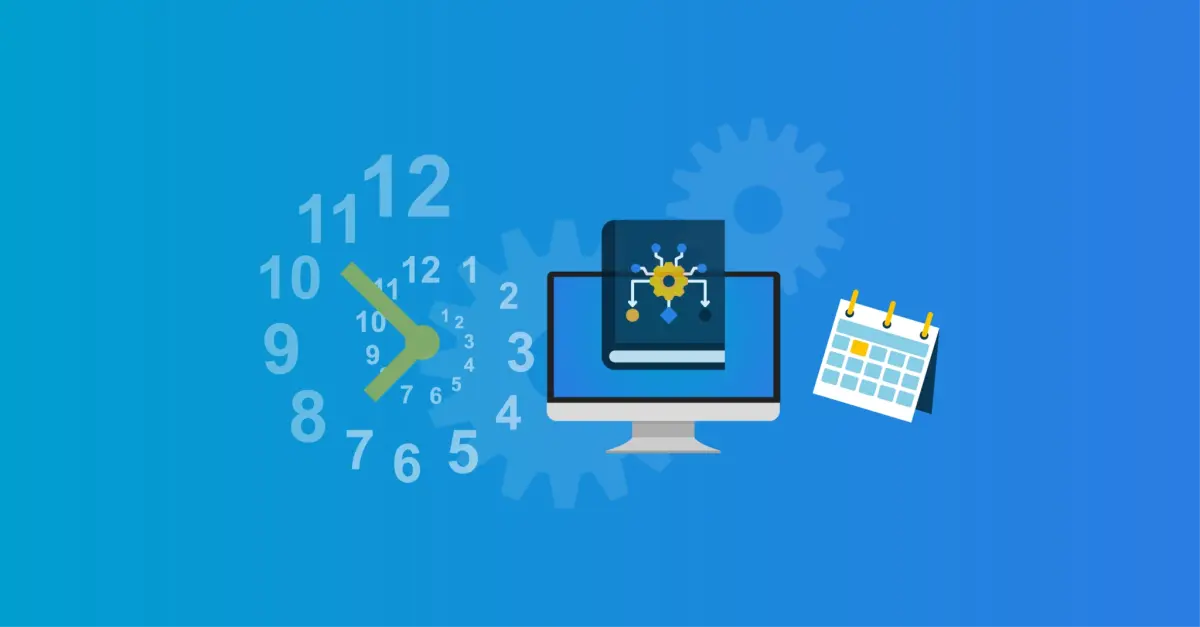
Service Automation – Scheduled tasks
You perform a myriad of tasks on a regular basis. Tools4ever's Identity & Access Management (IAM) solution HelloID automates these tasks for you using so-called scheduled tasks. In this blog, you will read more about this functionality, its features and benefits.
What are scheduled tasks?
Scheduled tasks are tasks that you configure and HelloID automatically executes for you at a predefined time. This is great, because it saves time, relieves your service desk and frees up more time for value-added tasks. Specifically, these involve PowerShell tasks, which are executed within the network.
Automating tasks
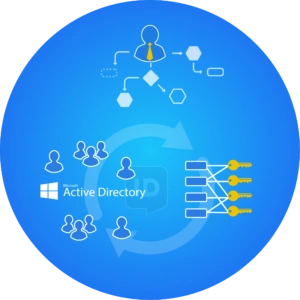
Using scheduled tasks, you can automate various tasks. A good example is Group Sync AD, which allows us to synchronise users and groups from Active Directory (AD) with HelloID. Thanks to Group Sync AD, HelloID can assign the appropriate roles and permissions to these users in the IAM solution based on the permissions in AD. For instance, Group Sync AD ensures that a manager or key user can access specific functionalities or components in HelloID. Examples include the menus required for assigning products to employees and being able to approve workflows.
Products
You can also use scheduled tasks to synchronise AD groups as products. This is useful, for example, when creating new groups for certain application rights or access to NTFS shares. Using scheduled tasks, you can automatically have these groups created as products. Please note, that in this case, you must complete the configuration of the created groups manually, such as defining the approval workflow.
Variables
When creating scheduled tasks in HelloID's Service Automation module, you can use the ‘variable library’. This library includes a wide range of variables that simplify and speed up the creation of scheduled tasks. The variable library includes two types of variables: user-defined variables and system variables. These can be used within scheduled tasks, Delegated forms and self-service products.
Getting started
Would you like to get started with scheduled tasks? On GitHub, we offer a set of predefined scheduled tasks for PowerShell tasks. You can import these into your HelloID environment to get started with them. You can find the predefined scheduled tasks by searching ‘org:Tools4everBV topic:scheduled-task’ on GitHub. More information is available here.
Want to learn more about HelloID Service Automation? Click here for more details about this module. Have any questions? Our experts are ready to support you. Contact us!

Written by:
Maikel Baars
As an Account Manager, Maikel Baars has successfully supported customers in achieving their goals since 2015, advising them on any challenges in the field of Identity and Access Management (IAM). Maikel studied Business Economics at the Amsterdam University of Applied Sciences and earned his MBA at Nyenrode. Today, as Marketing Manager, he is responsible for all marketing communications of Tools4ever Netherlands. To fulfil this role as well as possible, Maikel draws on knowledge ranging from simplifying the authentication process to managing authorisation data effectively.